Advice for Mac users – ignore Colton147147

I’ve been ignoring this for too long now. If you post on the official forums asking for Mac advice and Colton147147 answers you, pretty much ignore everything he has to say. He has no clue about Macs and only wants to increase his post count and appear ‘helpful’ when he’s actually just trolling. And even I can see that his Windows knowledge is pretty limited.

I’ve already messaged him asking that he ignore Mac threads as he doesn’t know what he’s talking about. He apologised but carries on regardless.

Lumping together all 15″ MacBook Pro and iMac models just shows his ignorance:
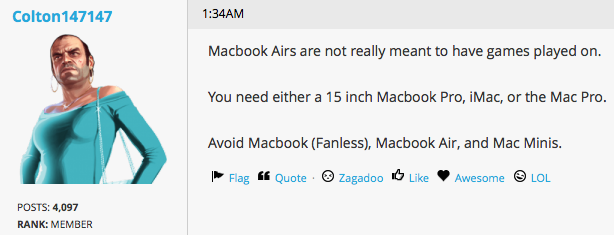
Colton147147

So please, just ignore his advice. He knows nothing.
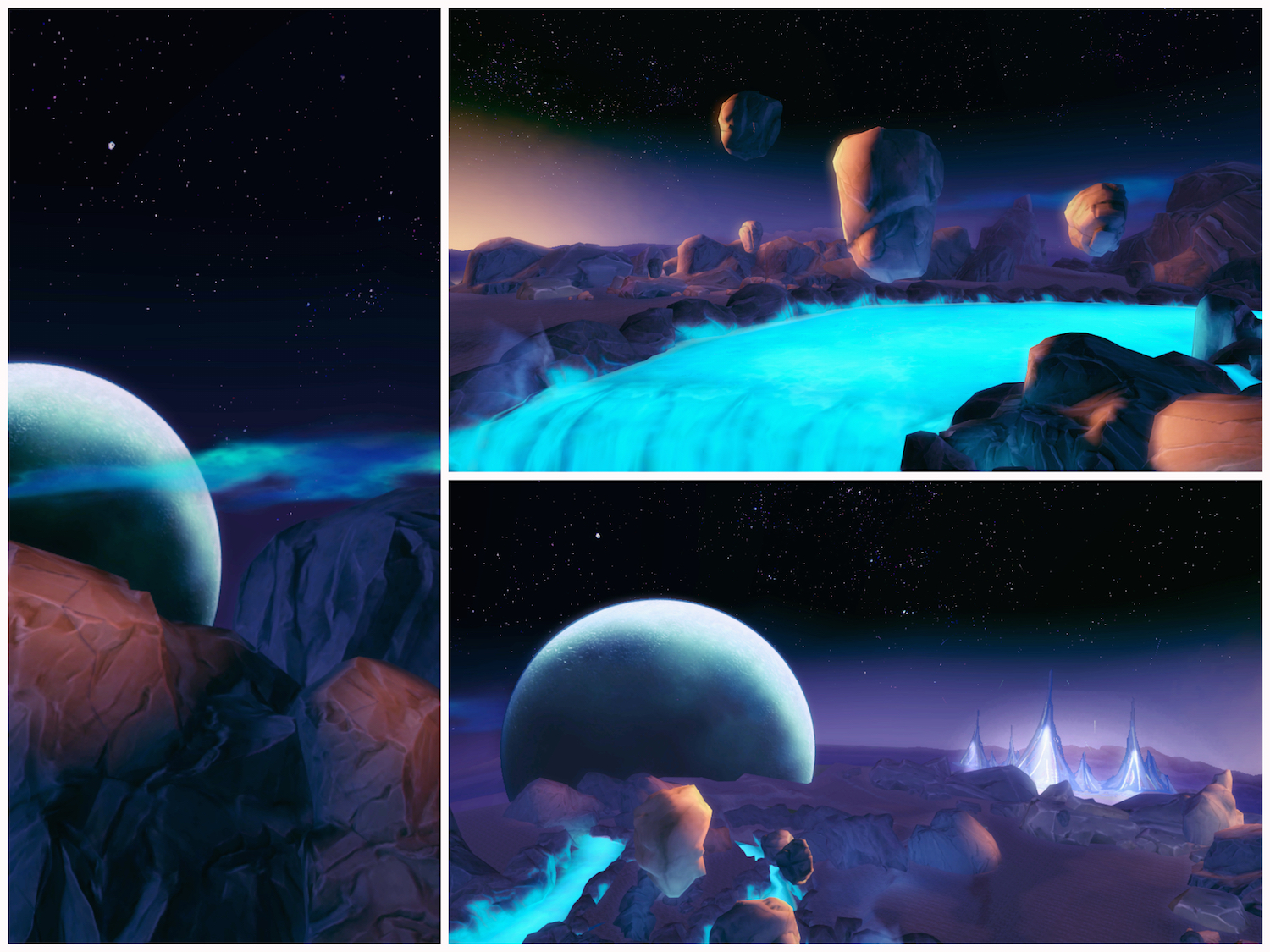
Just landed on Sixam

Sixam collage

Really rather impressive. Only took me 5 months to get round to building the rocket ship and travelling there 😀


TS4 Work

Fix for incompatible graphics finally here

So after many months we’ve finally worked out the fix needed for all the incompatible graphics cards in Macs that EA have never bothered to support in The Sims 3. You have tmethei, the11thmoon and wendyp7 to thank for their time and effort spent on editing their own game files. Head over to their pages and give them a hug.

If your game does not launch past the blue screen with green plumbob and you’re on a 2013 or later model Mac then this fix is for you. It’s most likely that you have one of the following graphics cards in your Mac:

  • Intel Iris 5100
  • Intel Iris Pro 5200
  • Intel Iris 6100
  • Intel HD 6000
  • AMD Radeon R9 M370X

Go to this guide and follow the instructions, paying particular attention to obtaining the specific details for your Mac – Fix for incompatible graphics.

Good luck and please pass it on to any Mac users you know who have been struggling to get their games working 🙂


TS3 Work