
This:
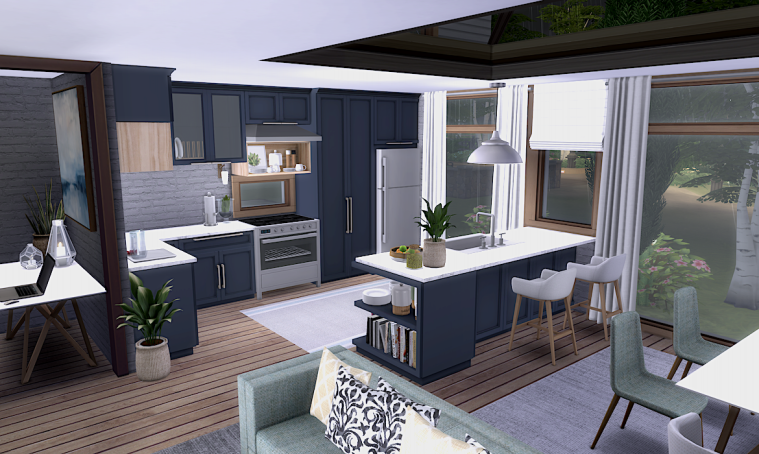
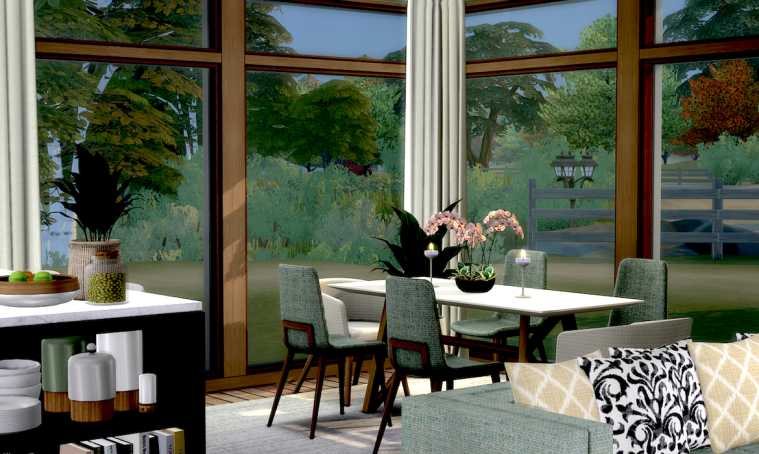
99.9% of those beautiful objects are Peacy’s, you can download them from his site here.

This one is funny – since today’s patch all screenshots taken in-game are upside down and back to front.
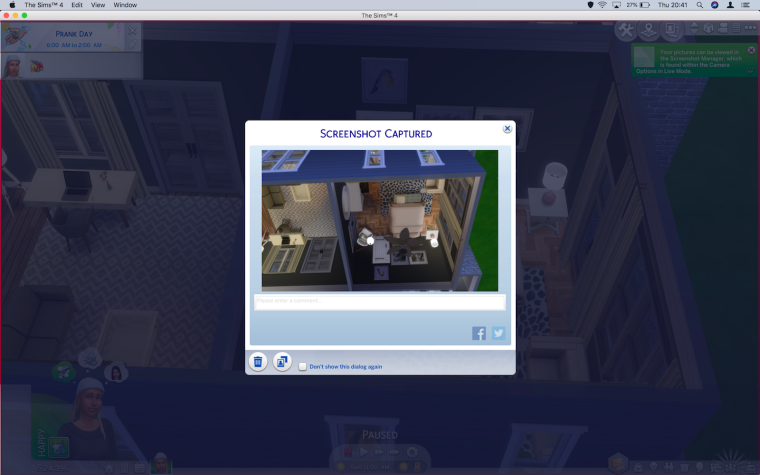
Not really too much of an issue but something to be aware of if you like to share them from within the game. You can easily turn them the right way in Preview (Documents > Electronic Arts > The Sims 4 > Screenshots) by rotating 180° and flipping on the horizontal. This doesn’t help if you want to access them in-game though as they appear to have disappeared:
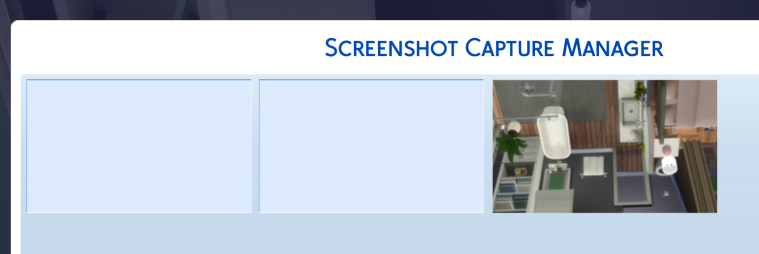
We have a thread running at AHQ on the issue but nothing really that needs feedback at the moment, EA are aware of the problem. It wouldn’t hurt to hit the Me too button though – https://answers.ea.com/t5/The-Sims-Mac/Screenshots-upside-down-and-back-to-front-since-August-patch/td-p/6987234
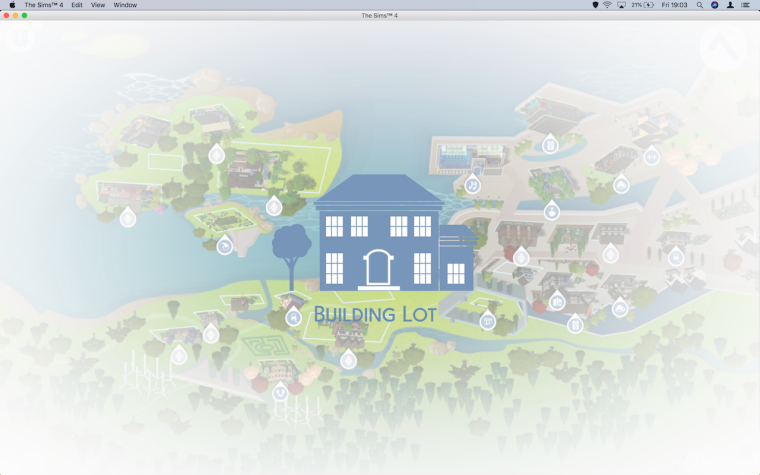
Oh yeah, the map screen is also in the Upside Down when you try to place a lot from the Gallery:
It’s so lovely to have the sprinkler back in the game but the colours are just too bright for me. I recoloured in six muted colours including two shades of green so the sprinkler can blend in more with the garden.
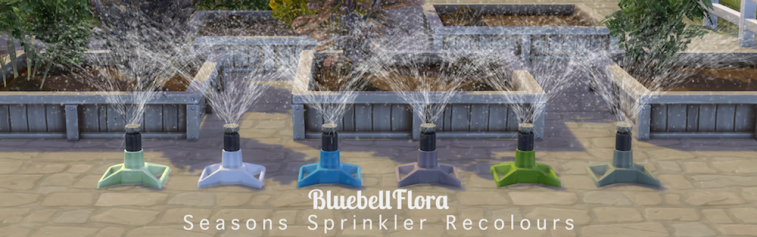
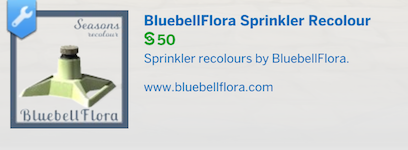
This is a simple recolour of the Maxis Sprinkle-O-Matic 2001 so you will need the Seasons Expansion Pack for this to place in your game. I also dropped the price from §350 to §50.
This download is free, no Patreon, adfly or any similar paywalls. Clicking on the download link will take you straight to the SFS download page.
 Bluebellflora