EA App finally coming to Mac

How disappointing although of course inevitable. Today EA announced that the EA App will be arriving on macOS soon. In what must have been a fun news item to write, given that barely any of it is actually true, EA proudly stated “…it’s the best place for you to experience EA’s incredible games, services and content.” and “…you can ensure that your games are ready to play when you are”. You can read all about how unstable and buggy EA App is for Windows users over on the EA App bug forum here. Yes I know Origin isn’t much better but since the launch of EA App we’ve had it considerably better than Windows users (apart from the September 2023 patch).

A small flavour of what we most probably have to look forward to:

Horse Ranch Pack will not install

Individual Pack download issues

Kit showing as unowned after purchase

Horse Ranch Pack installed but not present in game

Hopefully these issues, which seem to pop up frequently in EA App, are also down to the hell-hole that is Windows and maybe our lovely macOS will run the app a whole lot smoother. But I really don’t hold out much hope….. If you want to read further, EA_Kent (don’t shoot the messenger) posted some further details over at Answers HQ in this general info and FAQ post.


No more Sims 4 Legacy Edition but a native Apple silicon version finally. The April 2023 patch brings big updates.

EA released a big patch for The Sims 4 today, 18 April 2023, patch no. 1.97.42.1230. Not big in size (around 500MB) but big on impact.

The Sims 4 Legacy Edition – It was announced back in November 2022 that the Legacy Edition (LE) of the game would be sunset. As of 12 December 2022 the LE was no longer available to download although users could still play it if it was already installed on their machine. From today the LE version of the game will no longer run, even if installed. The game will now only run on Metal supported Macs (2012 models or later, or earlier upgradeable Mac Pros).

Apple silicon equipped Macs (M1, M2 etc.) – The game is now natively supported, no need for Rosetta 2 to translate the Intel version.

Repairing Sims 4 packs in Origin


Update 15/05/21 – Origin version 10.5.99.47918 has now fixed this issue and Packs are being included in the Repair process.


EA updated the Sim 4 back in April to comply with Apple’s notarisation policy. This resulted in all DLC (Expansion, Game and Stuff Packs) being installed outside of the Sims 4 app and in a standalone folder called The Sim 4 Packs in the same location as the game app is installed to, by default the User Applications folder, Users > User > Applications.

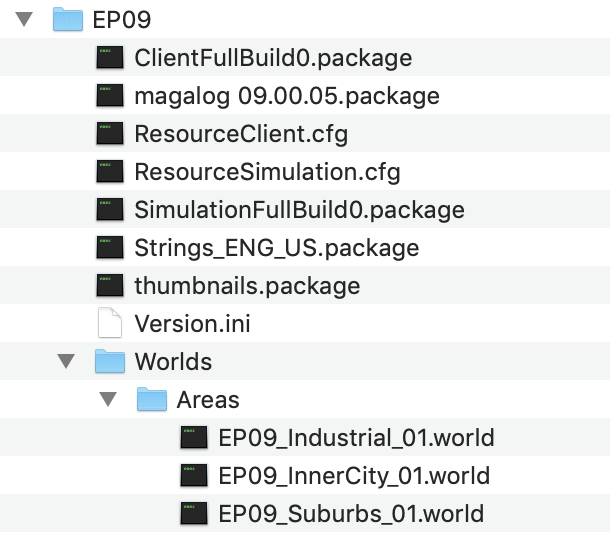
If you open the Sims 4 Packs folder you can see the game files for each pack. This is the contents of the Eco Lifestyle folder:

Since this update, repairing the game only repairs the base game and ignores all DLC.

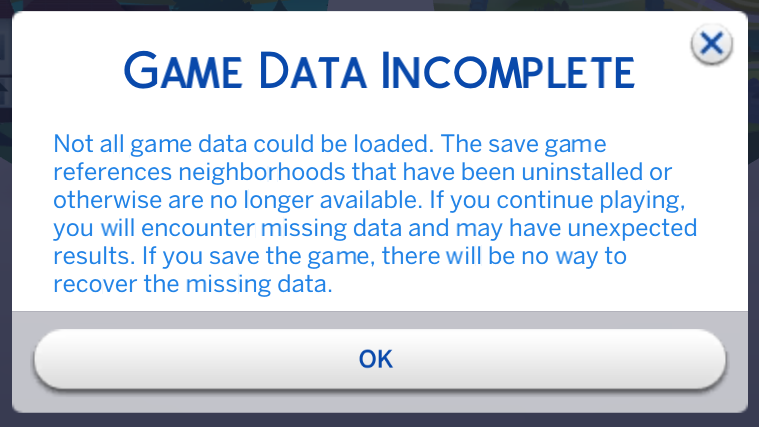
This shouldn’t normally present an issue but removing or altering files within this folder, or if any files become corrupted, can impact your game and cause error messages. The Game Data Incomplete error message is triggered by the SimulationFullBuild0.package file and the ResourceSimulation.cfg file missing or corrupted.

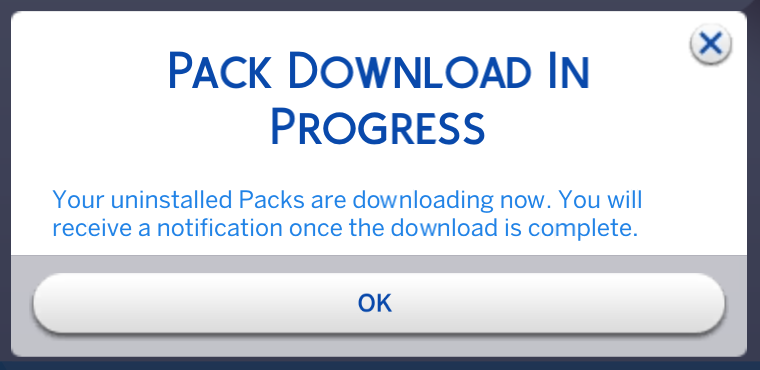
The Pack Download in Progress error message is triggered by the ResourceClient.cfg file missing or corrupted.

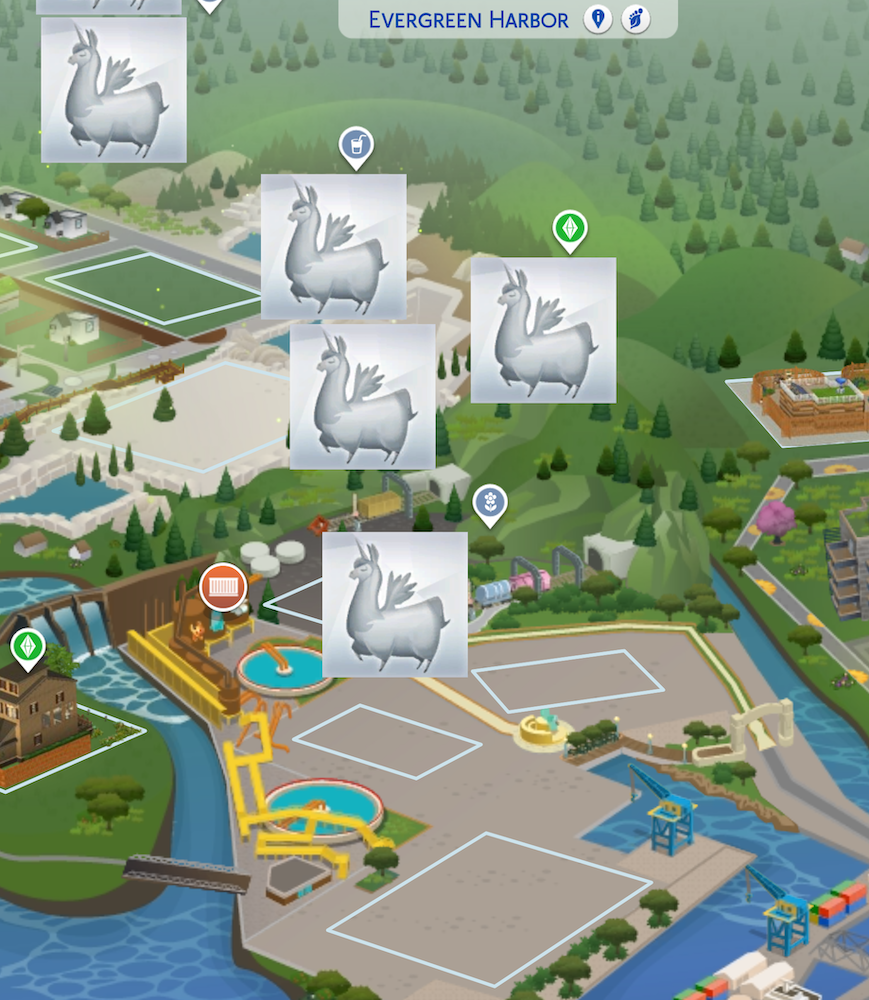
A missing or corrupted thumbnails.package causes the llama missing icons error:

Simply repairing the game in Origin will not fix this. You need to trigger a re-download of the pack to replace the files causing the error. The easiest and quickest way to do this is to trash the relevant pack folder (see earlier screenshot above). This will prompt Origin to notify you of a pack available for download.

Download the pack and you should once again see the folder in the Sims 4 Packs folder with all relevant files present and hopefully not encounter anymore errors.

If you’re unsure which pack number your affected pack is you can check in the System Requirements page here for each pack – https://bluebellflora.com/system-requirements/

If you are still having problems with incomplete/corrupted game files after trying the above steps, you may need to completely uninstall the game and reinstall. If you’re REALLY unlucky (like me) you may have to uninstall the game and Origin and then re-download everything to get a proper functioning game again. More info here.