

An issue that has regularly cropped up when users install a new pack is the world duplicating in the World Select screen.
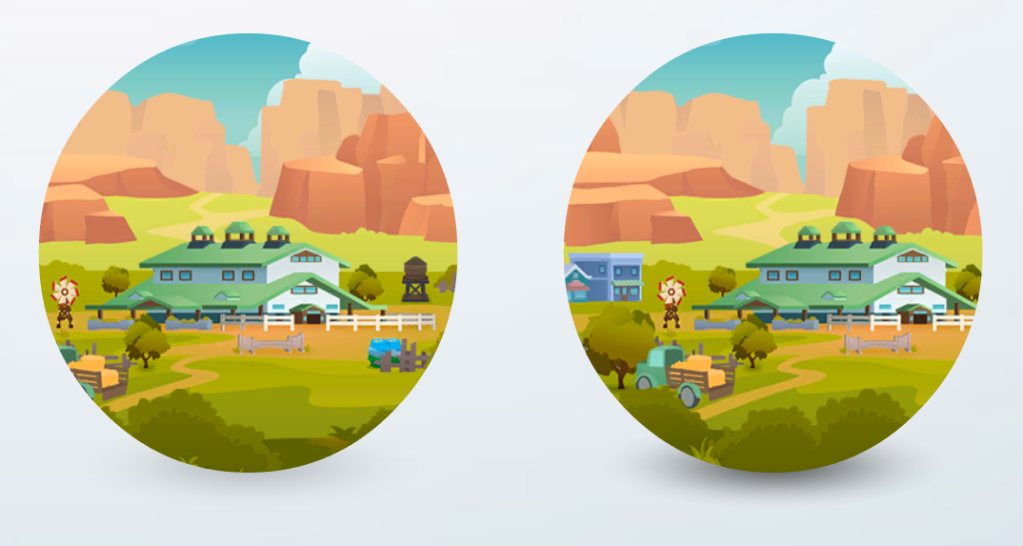
This can be Mod related, specifically Mods that create duplicate worlds of course, but can also happen in a non-modded game. I found a cause earlier and managed to reproduce multiple times. Whilst downloading and installing the Horse Ranch Pack on one of my Macs I decided to launch the game. I received the usual pop-up warning that it may affect the game but chose to ignore it. The game launched ok and I loaded up my save to check something unrelated. I quit the game without saving, I figured that would be a good idea as the pack was installing in the background and it would avoid any potential corruption.
I loaded up the game again and resumed my save. I clicked to go to the world map and saw two Chestnut Ridge worlds (EP14). I immediately quit without saving and trashed the Horse Ranch pack. I then loaded Origin and did a game repair for good measure (can never hurt), then downloaded and installed Horse Ranch again, this time making sure not to load the game whilst it was downloading and installing. That fixed it, no duplicate world.
I quit my game and decided to test it a little further by trashing the High School Years pack (EP12) then launching Origin and loading the game whilst High School Years was re-downloading and installing in the background. This time I had the Game Data Incomplete error message but the game loaded fine into San Myshuno (EP03). I quit the game, again without saving, and waited for Origin to finish installing EP12. I then reloaded and sure enough, there were two Chestnut Ridges in the World Select screen again. I was expecting duplicate Copperdale worlds (EP12) but good to get the same result. I quit, trashed the EP14 folder then re-installed it, everything good again. I then repeated this exercise a couple more times and each time the EP14 world was duplicated.
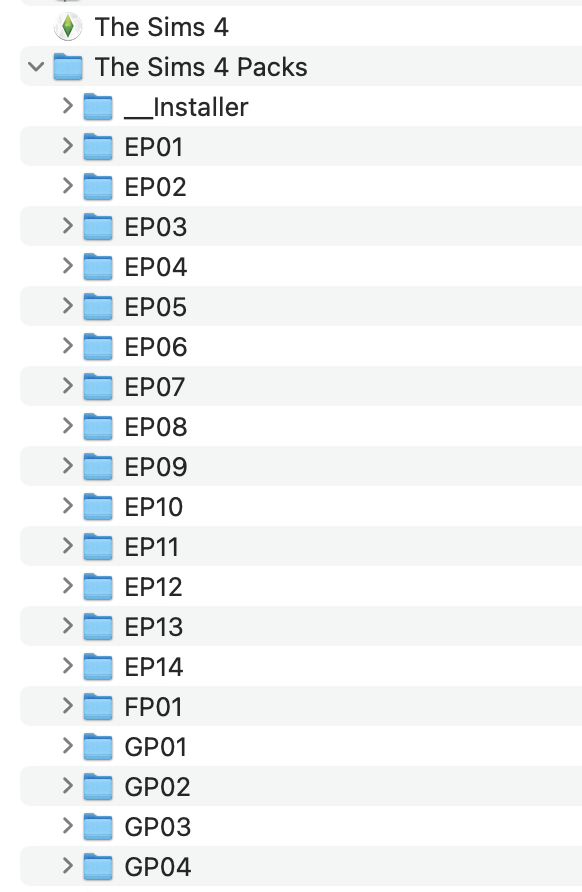
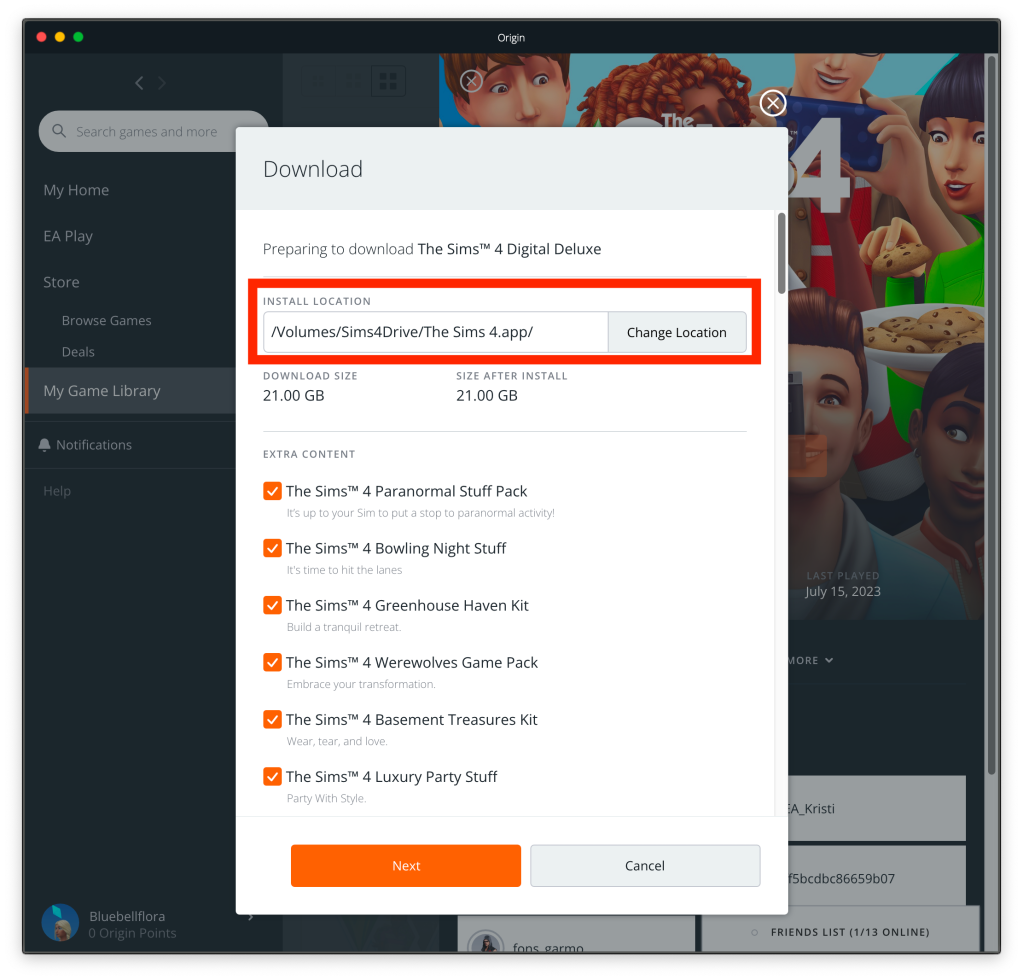
So if this happens to you, immediately quit without saving then trash the pack folder that contains the duplicate world. You can find the pack folder in the Sims 4 Packs folder which will be in the same location as your base game is installed to, by default this is the User Applications folder:
And never, ever, launch your game whilst packs are downloading and installing in the background, ever!
For further info see Crinrict’s blog post here. She goes into more detail about what to do if you have inadvertently saved your game and how to fix it, and references the EA App for windows users.

 Bluebellflora