
So a couple of weeks ago I dared to call out a moderator’s ridiculous response on a thread about the new Sims 4 Studio for Mac, Candy Apple. I love Sims 4 Studio for two reasons – the opportunity to now be able to recolour objects in the Mac version, and their overall support for Mac users because let’s face it, no one else really bothers to support 3rd party Mac stuff for Sims 4 do they? I’ve read on other sites and social media that they can be an arrogant bunch at Sims 4 Studio but I always like to take people as I find them. In this case, sadly, they lived up to the reputation. This is a long post with lots of screenshots, the reasons for which will become apparent further down.
The story starts with the release of Sims 4 Studio Candy Apple 1.2 for Mac. Finally we get the ability to recolour objects – yay! I happily delved in and played around with it. After a couple of minutes it became apparent that it was extremely buggy but that’s ok, it’s in beta, I can live with that. I was struggling with the camera controls in the model viewer so decided to ask on the Sims 4 Studio forums about it (you can read the thread here). Orangemittens helpfully replied and it was quickly established that the software had not been optimised for an Apple mouse or Trackpad, only a 3rd party mouse with scroll wheel.
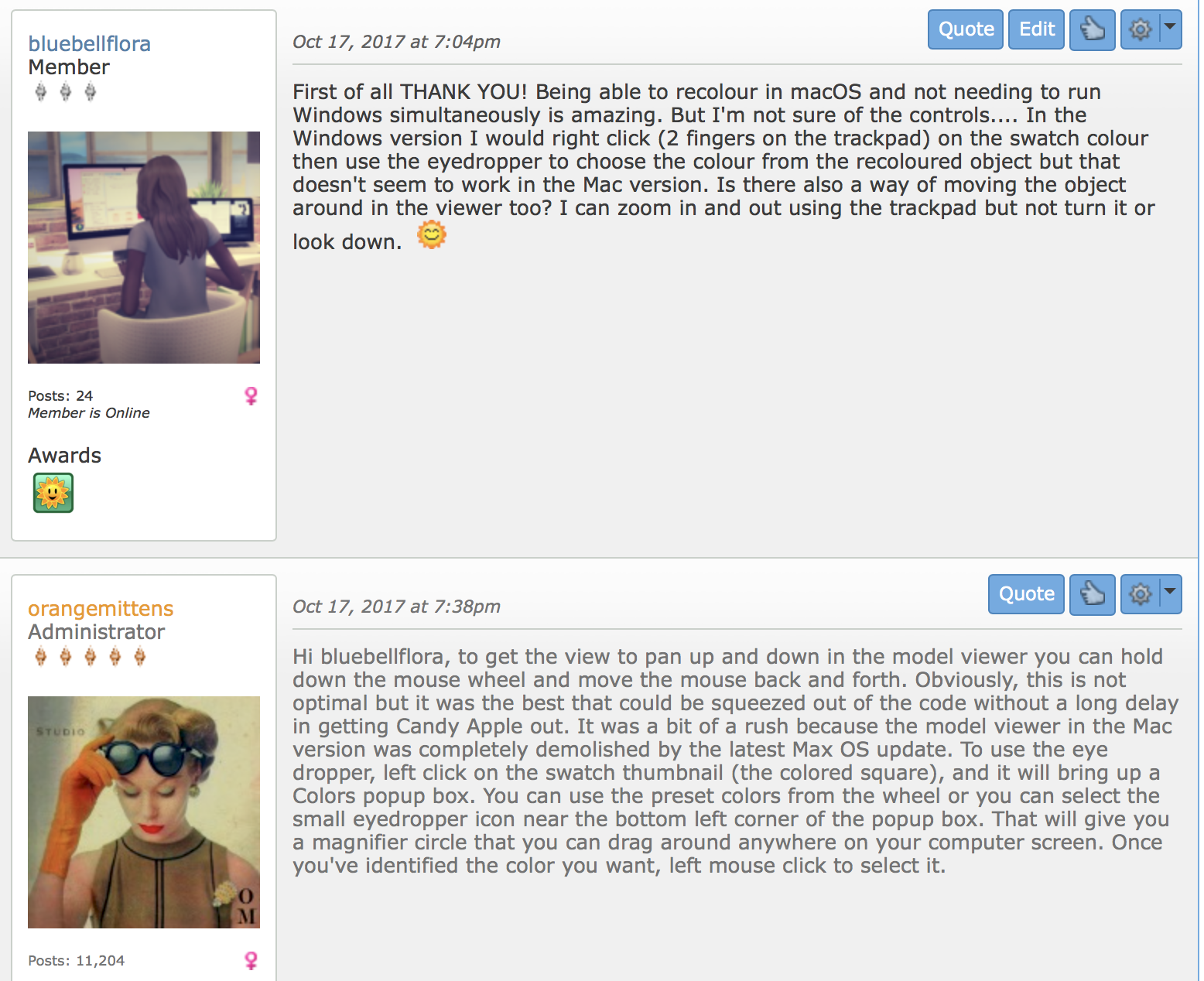
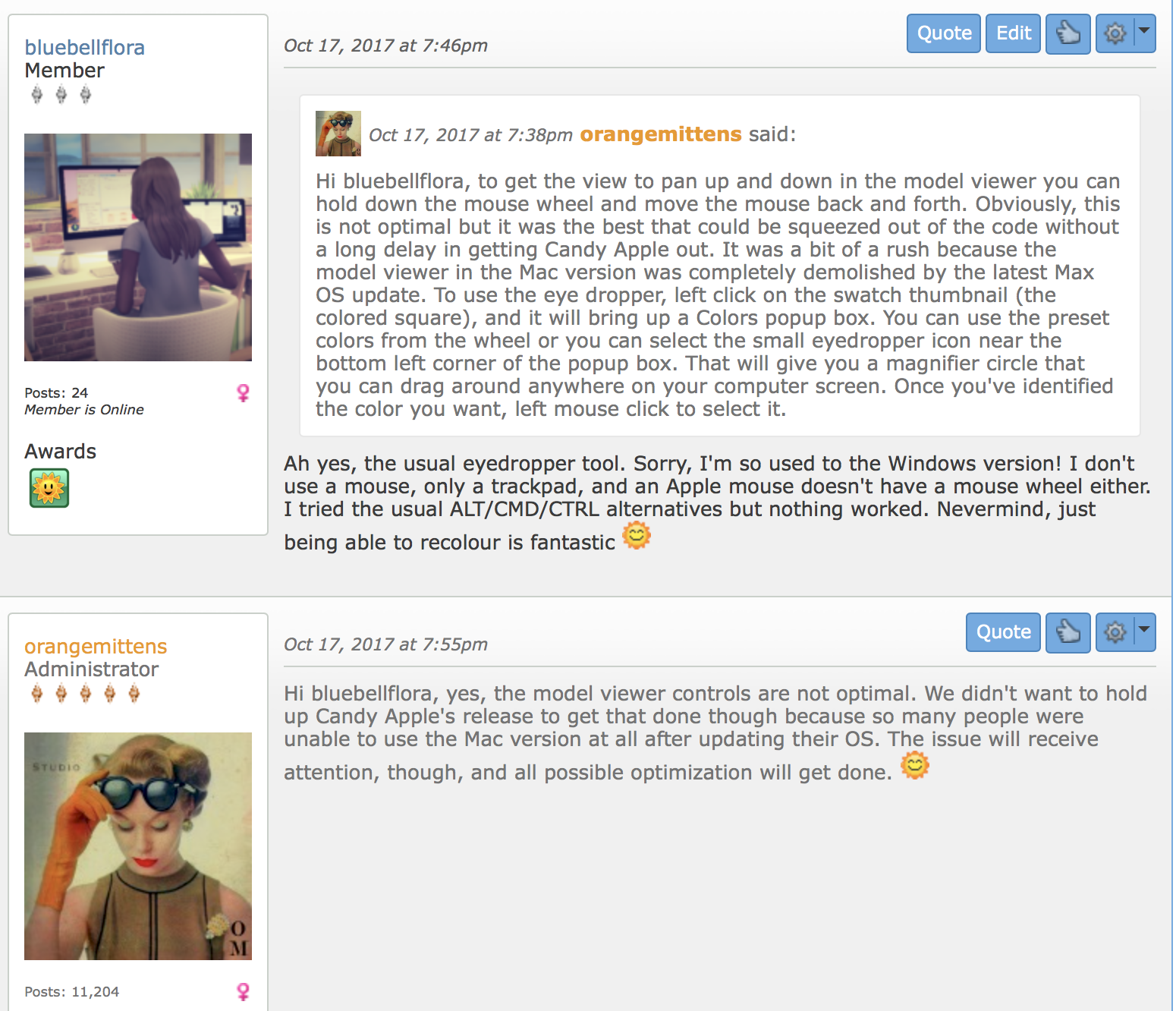
Absolutely fine, great responses and orangemittens was really helpful and patient. Then a moderator by the name of MisterS decides to elaborate further:
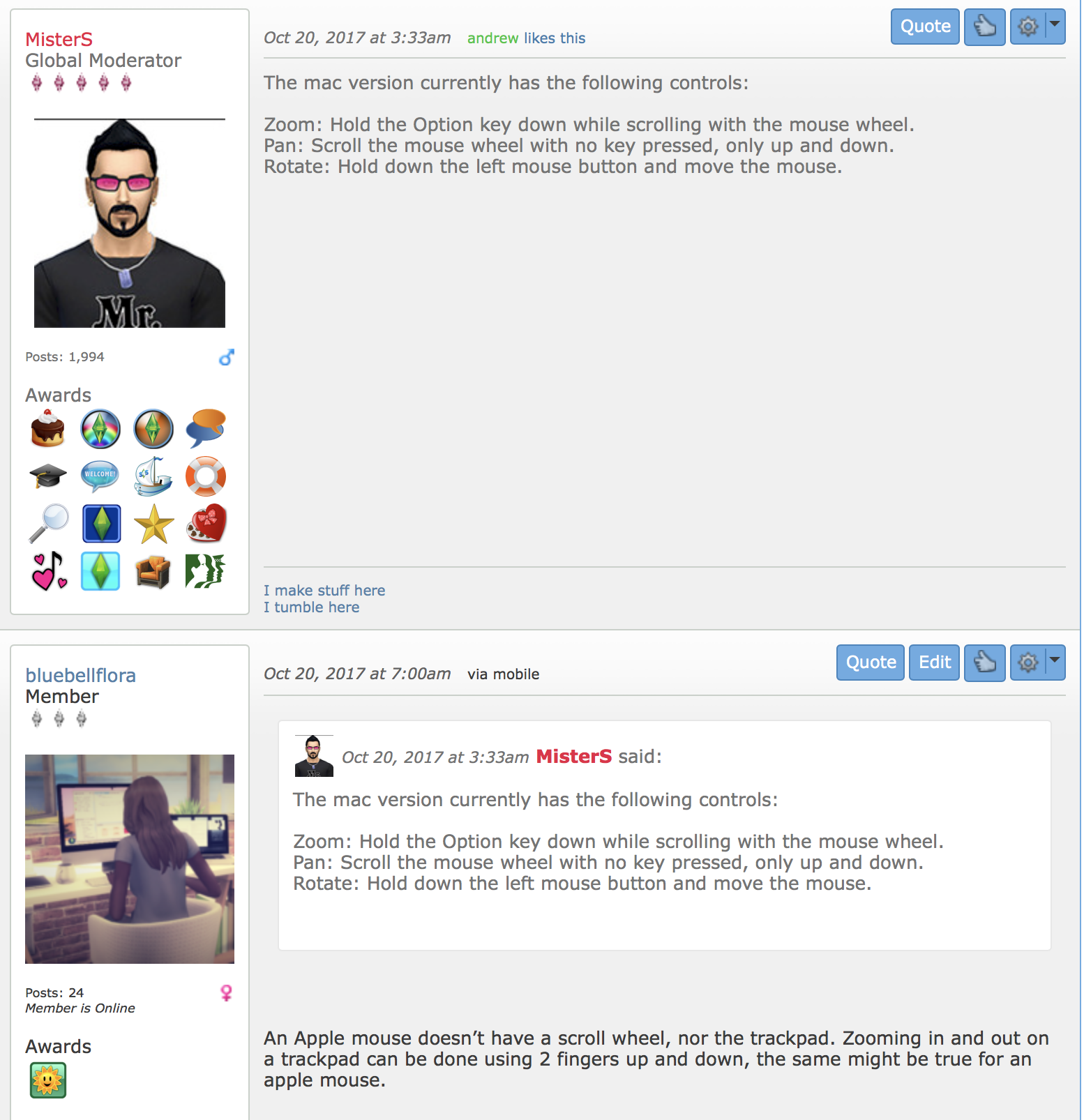
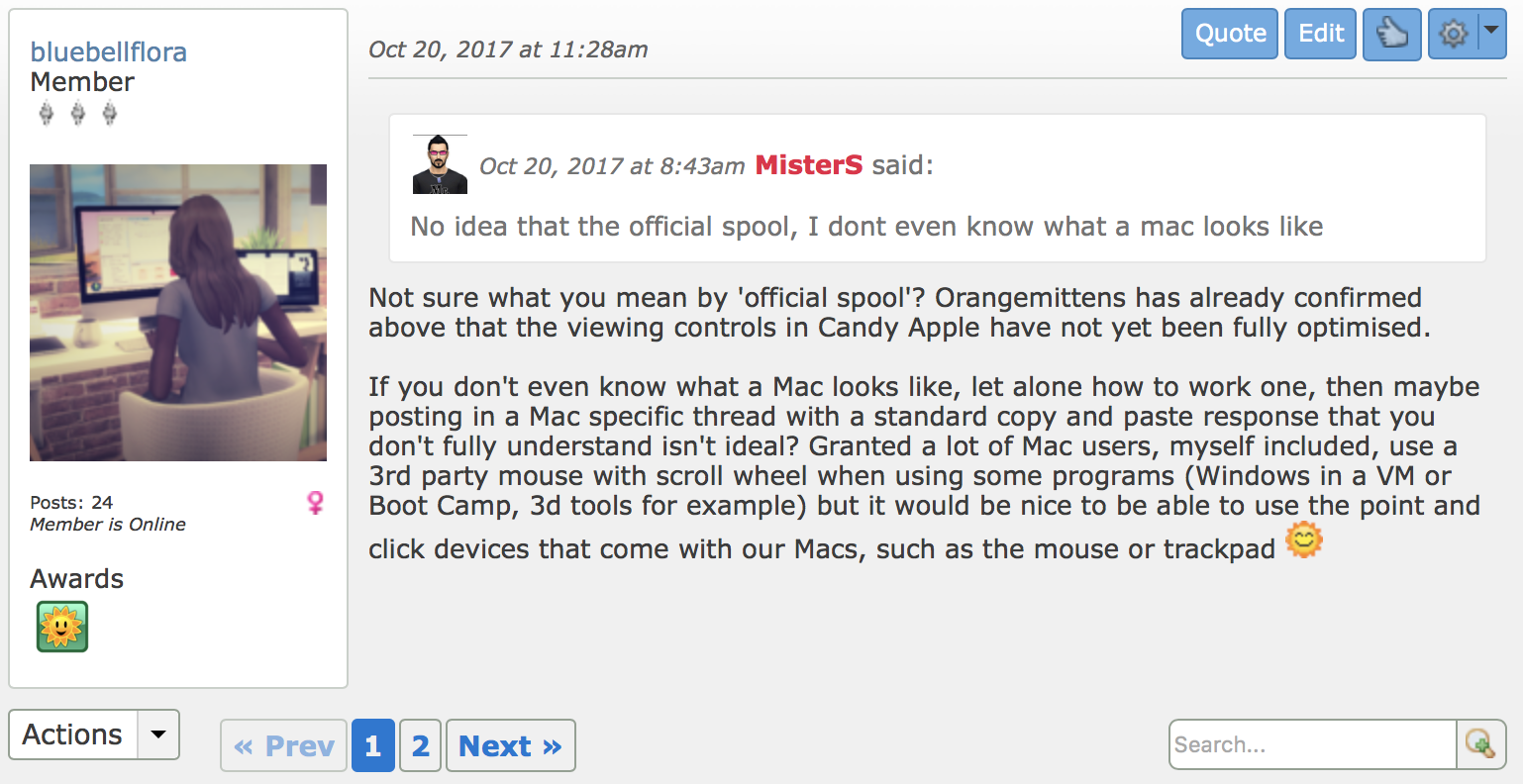
After me pointing out the obvious I get the following ridiculous response:
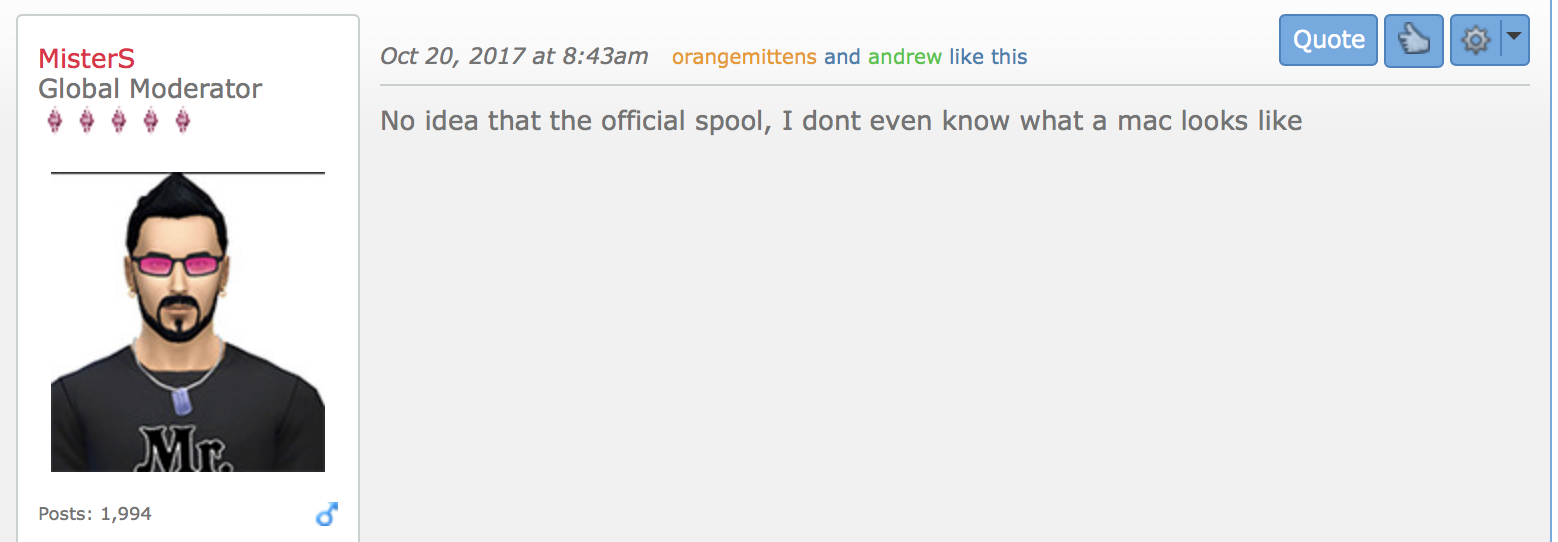
What?? He’s replying in a Mac thread and he actually states “I don’t even know what a Mac looks like”. How ignorant can you be? I couldn’t care less whether he knows what a Mac looks like but actually posting such an unhelpful and stupid response makes him look like an amateur and a mere copy and paste drone in his initial reply. I couldn’t let it go:
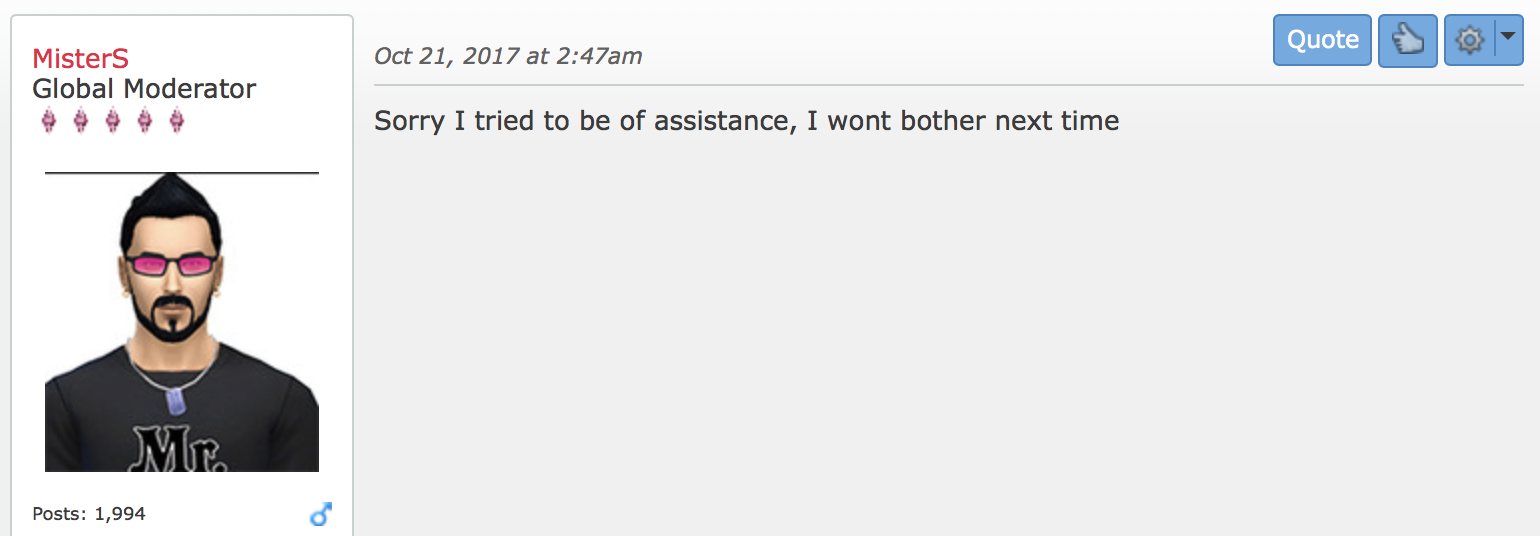
His petulant response:
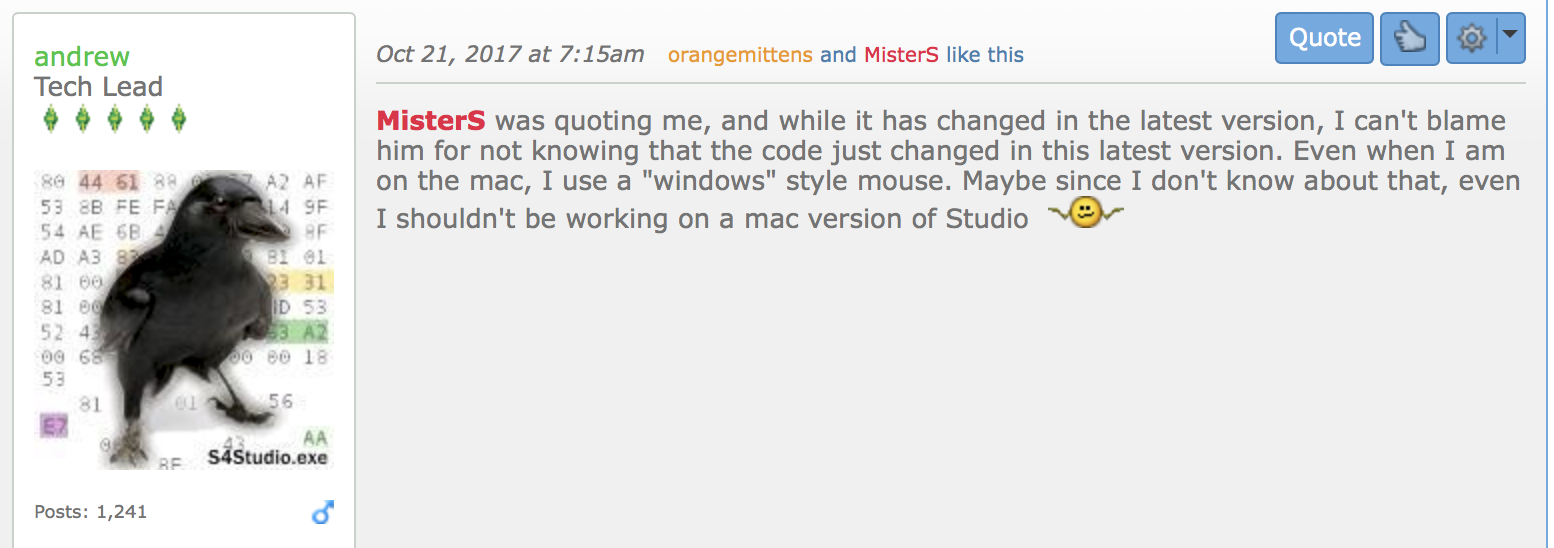
At this point someone called Andrew jumped in. I had no idea who Andrew was but I see he’s a ‘Tech Lead’ so obviously must be someone very important. Turns out he’s the Sims 4 Studio Messiah and also likes to throw his toys out of the pram:
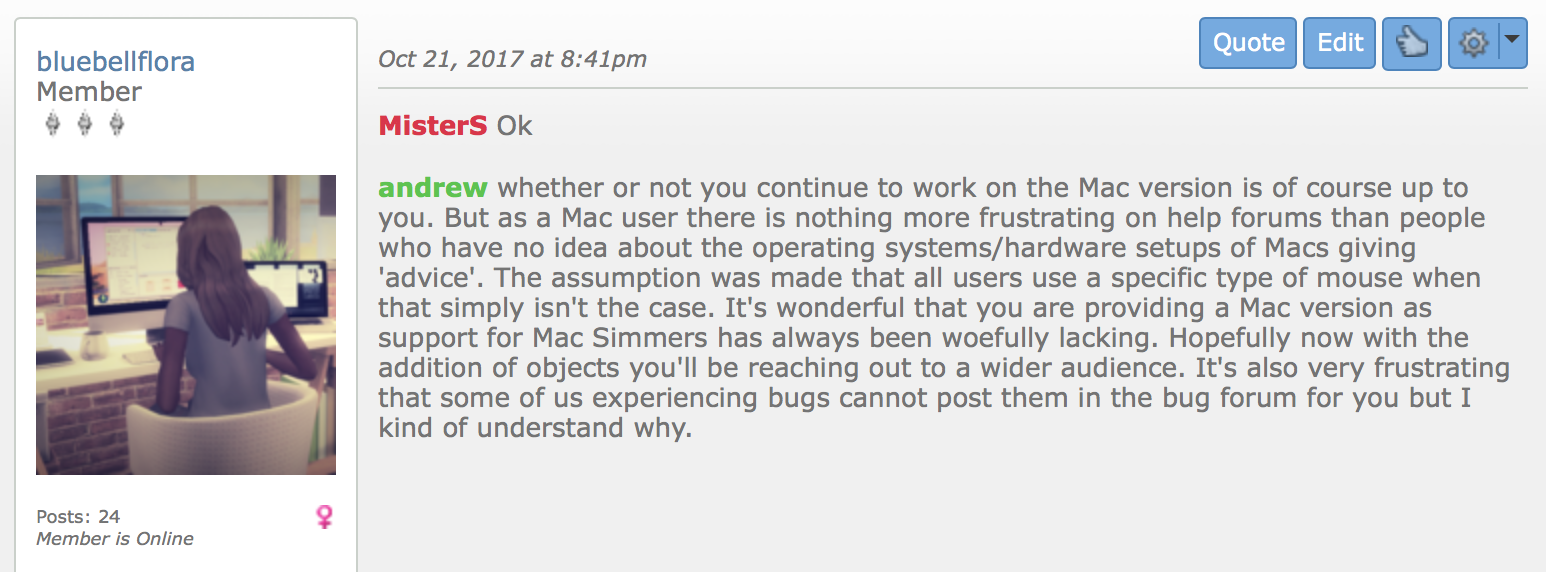
I replied, massaging his ego a little because he obviously seemed a little upset:
And that was that. I’d forgotten all about it and presumed we had all moved on. Which is why when the latest update dropped this morning I was over the moon and thanked Andrew in the thread:
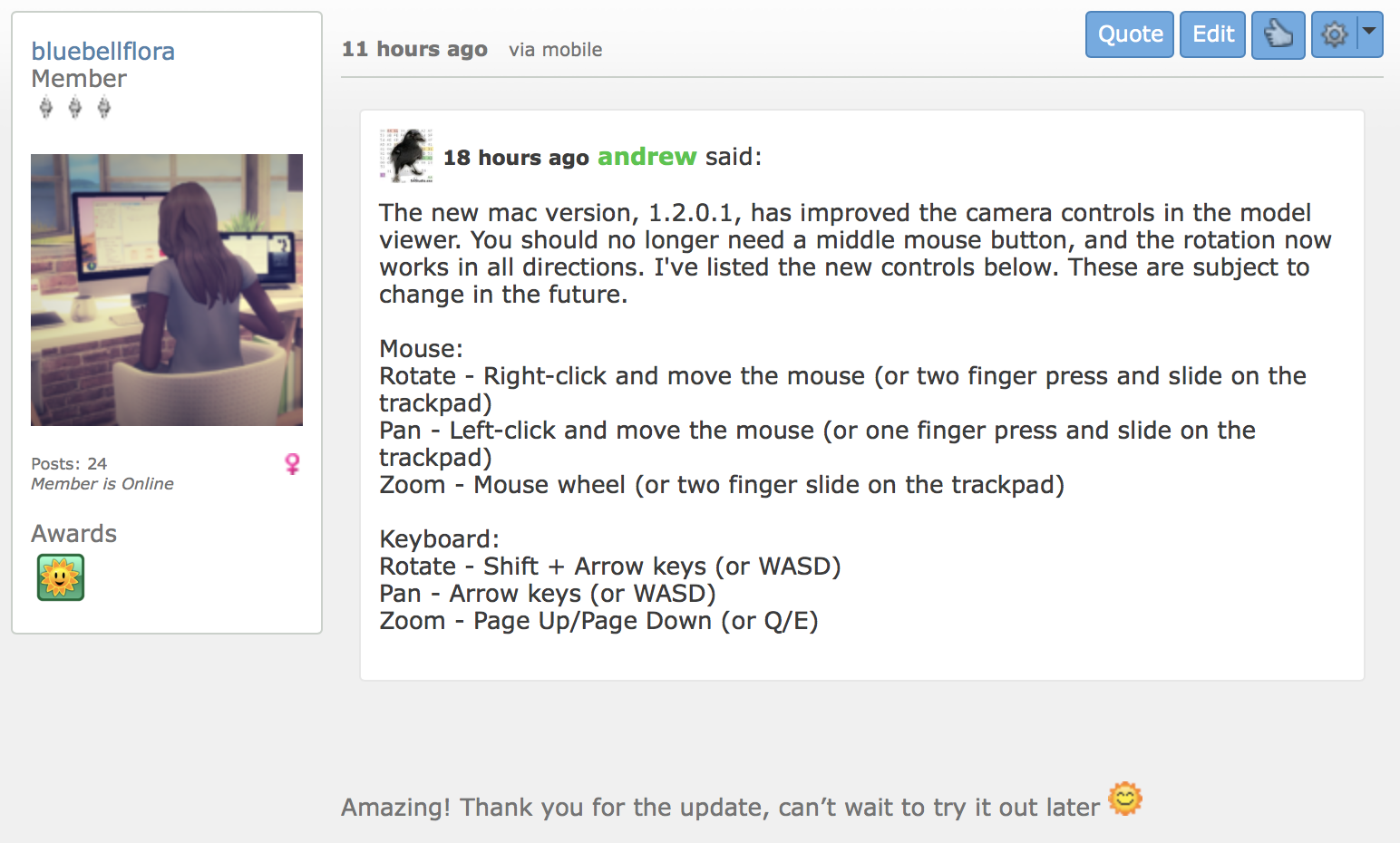
But no, there’s always some idiot who has to come along and flame the situation:
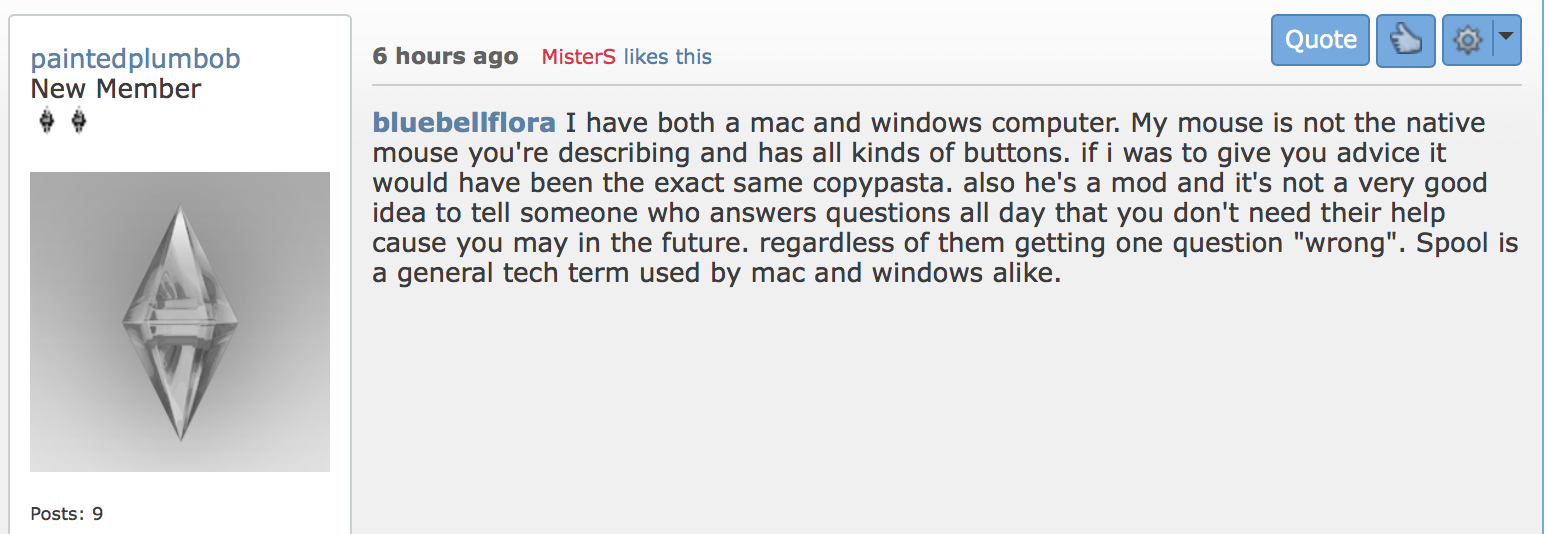
“also he’s a mod and it’s not a very good idea to tell someone who answers questions all day that you don’t need their help cause you may in the future. regardless of them getting one question” Oh sweetie, not everyone is as thin skinned as MisterS. Perhaps if you removed your head from his arse you may see that. I replied to paintedplumbob’s post but sadly, due to censorship issues and fragile egos, my post was deleted, so I posted another which was also deleted. Luckily, as I have had dealings in the past with power happy moderators and forum owners who can’t cope with any kind of criticism, I’ve learnt to take screenshots when I have an inkling of what is going to happen:
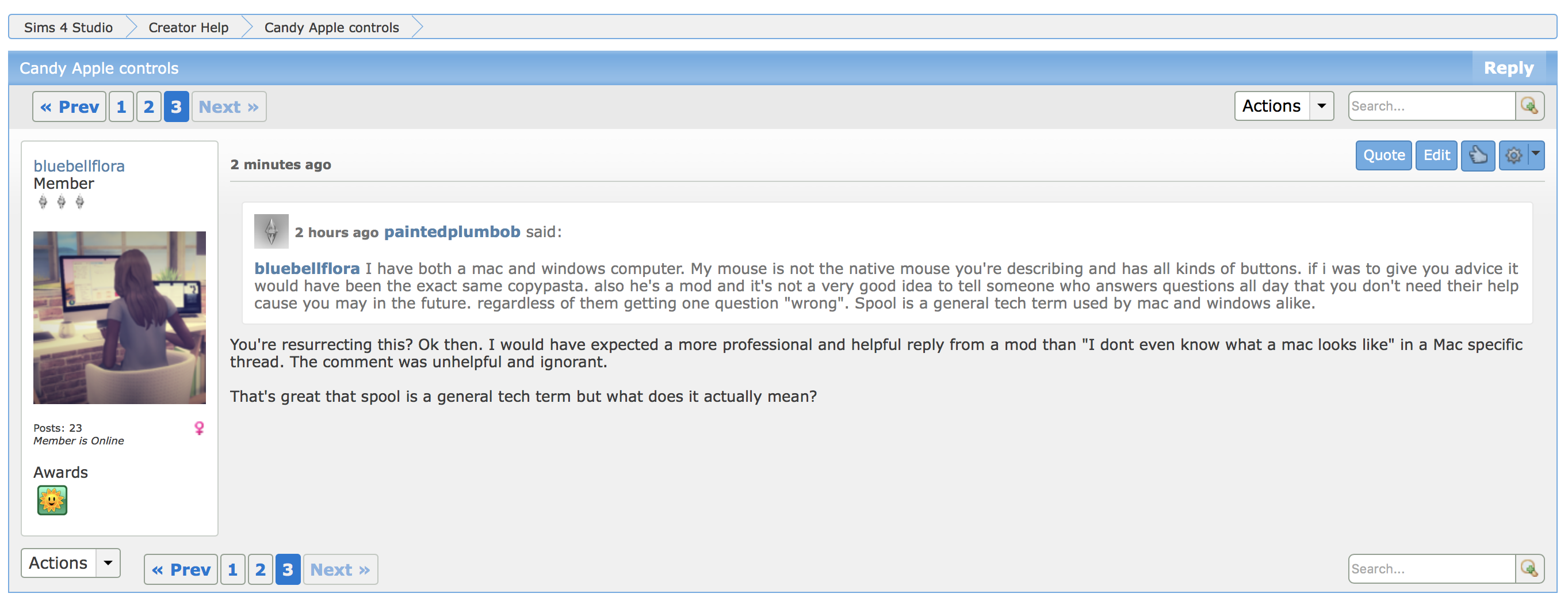
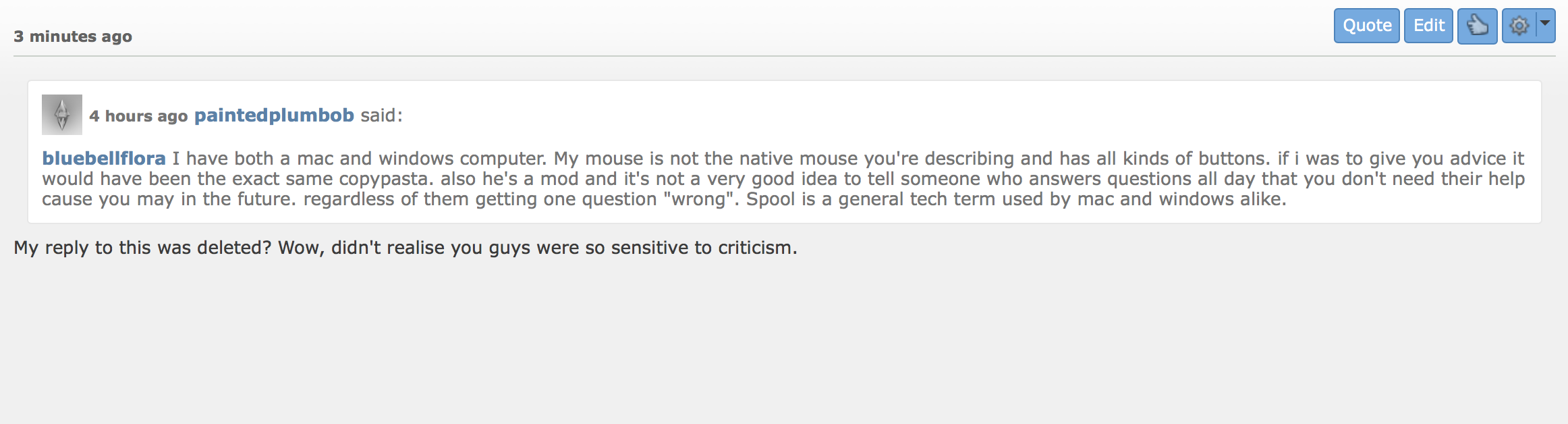
I then received two messages from orangemittens telling me off because I had been naughty and threatening to ban me, something which, if it hasn’t already happened, most surely will if they read this post. They’re a sensitive little bunch over at Sims 4 Studio aren’t they? Or are they behaving like EA – no one else does what they do, as well as they do it, so they come to think that they are superior to the community and take the slightest offence if anyone dares to criticise them?
Thankfully there are wonderful communities of creators outside of Sims 4 Studio who are more than willing to help in a nice and polite manner, and share their expertise willingly. I think I’ll reach out to them in the future 🙂
PS – I’m still none the wiser to what an ‘official spool’ is. Could someone please enlighten me? I did think that maybe he meant ‘official spiel‘?


 Bluebellflora