

Two important Mac specific fixes have been included in the April patch:
CAS cursor glitch
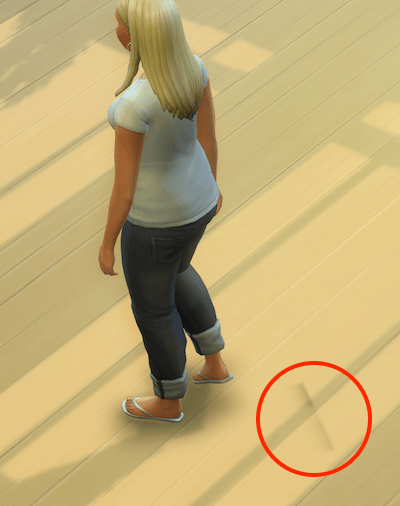
- Fixed an issue for Mac users with Intel integrated graphics, where the mouse cursor would not move properly after adjusting the shape of a Sim’s body in Create a Sim.
This annoying issue affected some, but not all, Mac users with Intel only graphics. The cursor would not appear to track properly in CAS:
(video credit – 13Vader)
For more examples and the specific help thread at Answers HQ please go here
Sims 4 not optimised for Mac
- Removed an outdated file that was causing a false error message to appear for 64-bit Mac users that said, “The Sims 4” is not optimized for your Mac and needs to be updated.”
The following error message would display when launching the game after an OS or game update:
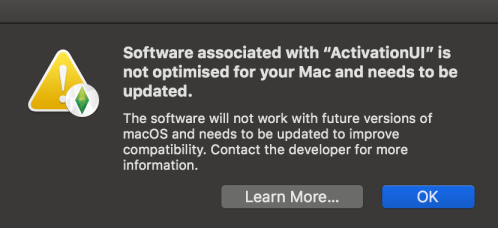 This error message is not to be confused with the similar message when launching full 32-bit apps in macOS. 32-bit apps like Sims 3, Sims Medieval and SimCity will still cease to function in the next release of macOS. Sims 4 is 64-bit.

 Bluebellflora