Rebuilding Hidden Springs

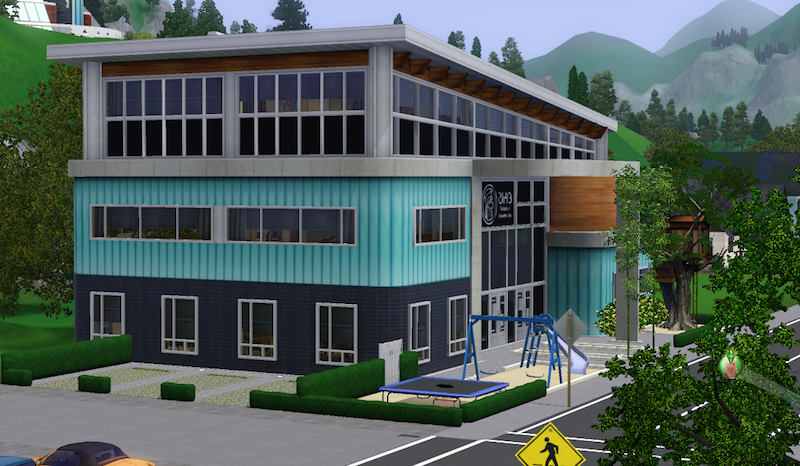
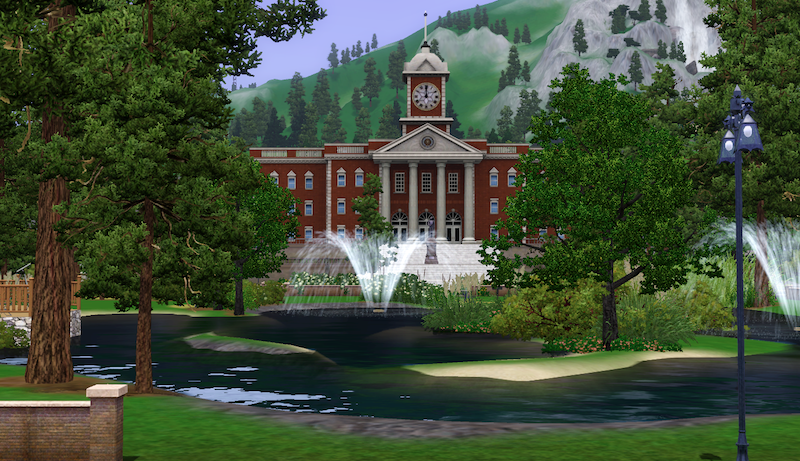
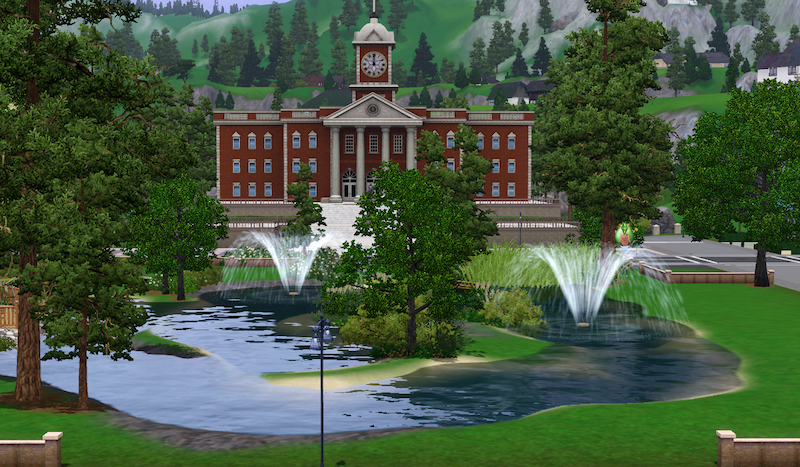
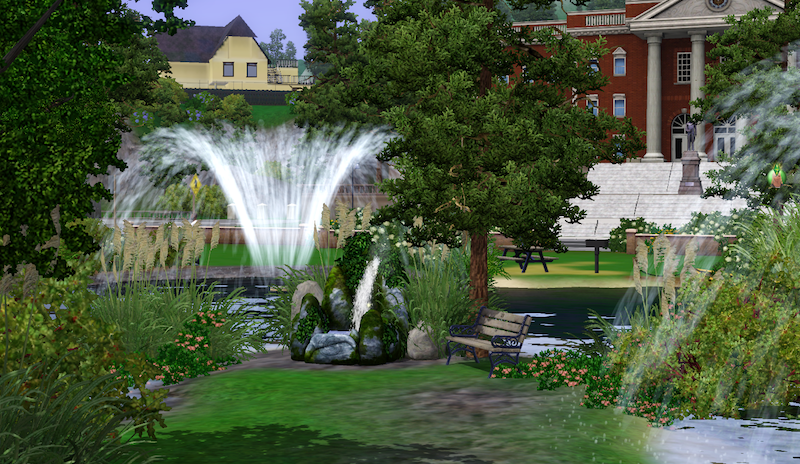
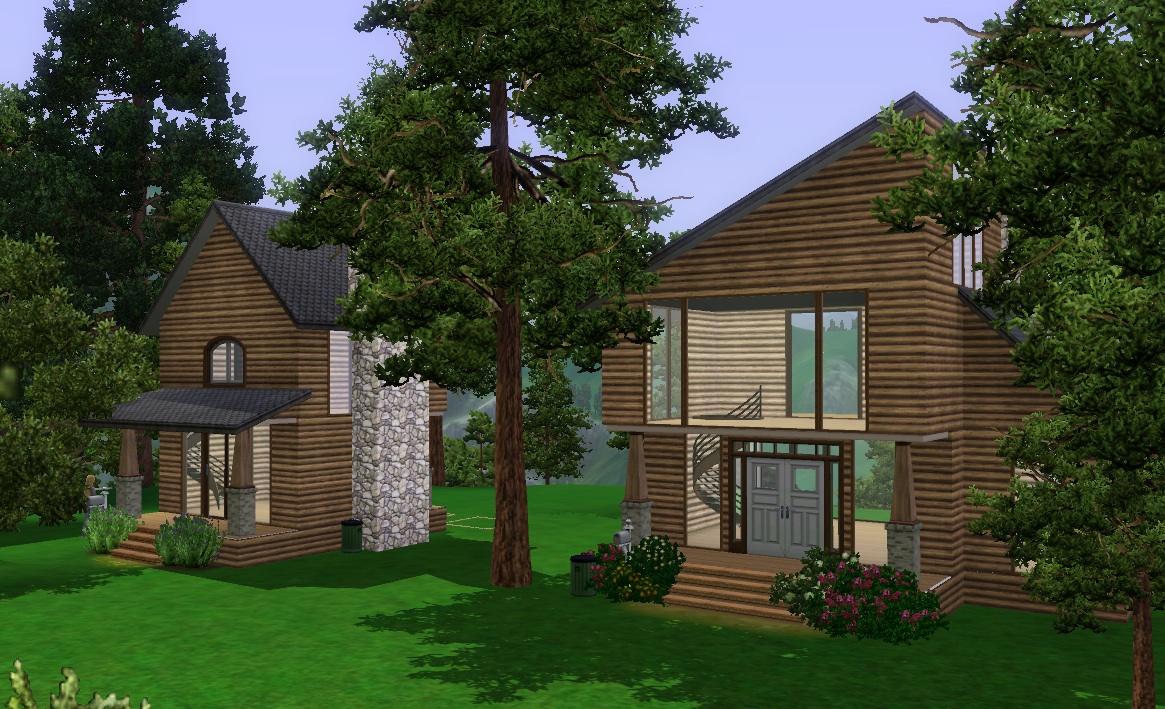
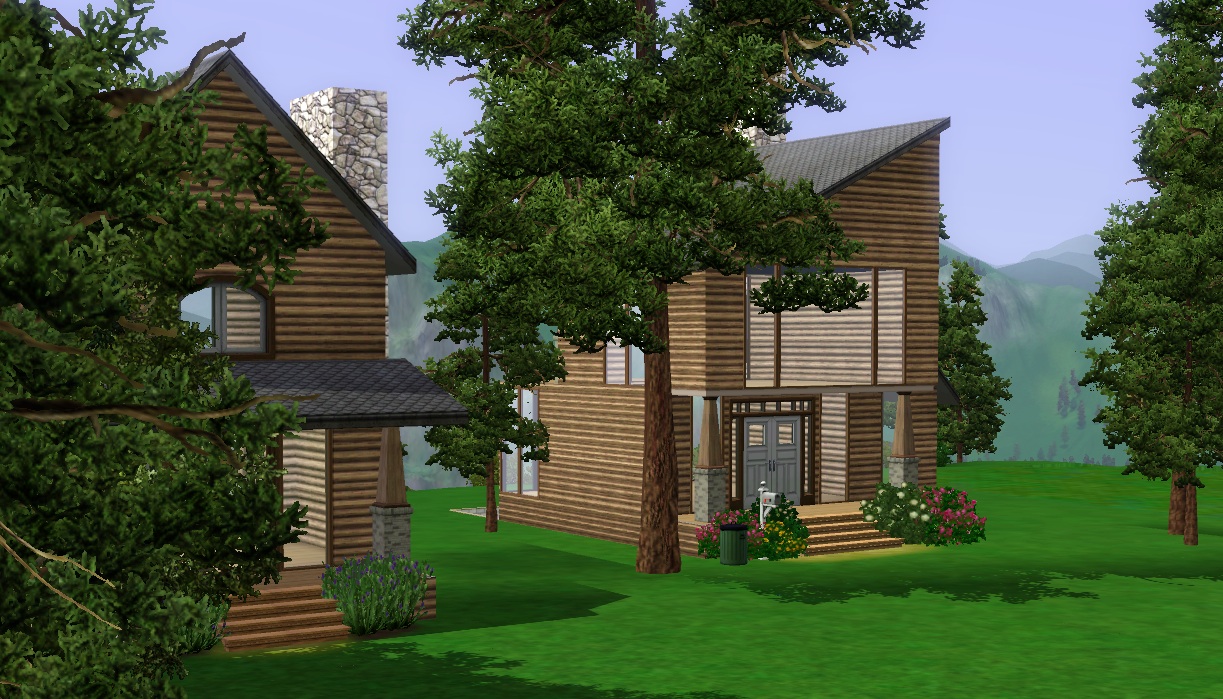
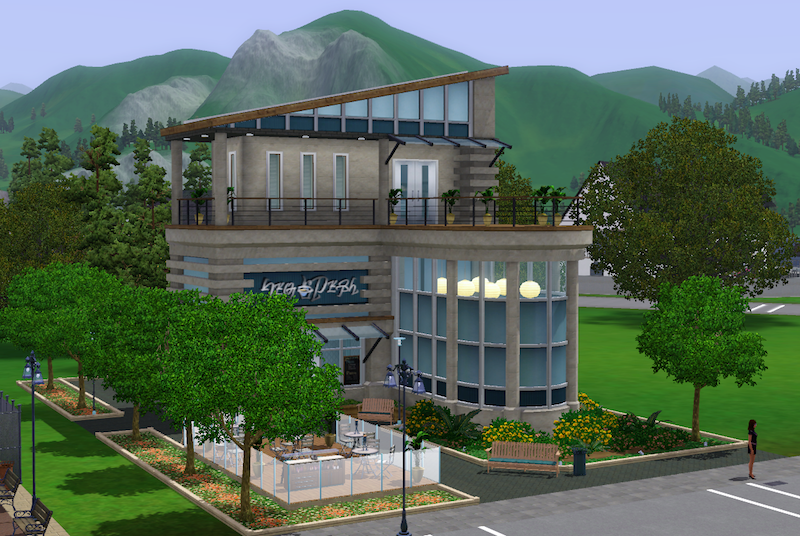
I’ve started demolishing and rebuilding the lots in Hidden Springs. The Town Life school has replaced the pre-built school and I’ve placed it next to the City Hall. I’ve also replaced the Bistro with the TL one. Both lots look more in keeping with the town than the base game ones. I’ve also demolished a community lot high up on the mountain below the look out bit and replaced it with four residential lots – three 20x15s and one 15×10. I’m building cabins up there and they look so sweet nestled amongst the extra trees I’ve placed:

I’ve had to place rocks at the base of the trees because the trees never sit on the ground properly in Edit in Game but it’s turned out quite nicely.

Now, onto the parking lot…

Caught out again EA

The thread I started over on the Mac Discussion Forum asking Mac users to post their specs so we could try and narrow down the Lion/TS3 problem is now 56 pages. No “Guru” has ever responded on it. But as suspected they were fully aware of it’s existence. Thanks to Yingerpoof who posted this screenshot from his Live Chat nightmare experience with them:

Yes Erin from EA, that will be me, BluebellFlora, you’re referring to. The one who started a thread in the vain hope that a “guru” might take their thumb out of their arse long enough to reply on the thread. Instead, hundreds of fab Mac users responded with their specs, thereby helping EA by diagnosing the problem for them. If it wasn’t for all the specs posted, and the problem being narrowed down to graphics card issues, EA would probably be none the wiser as they seem incredibly ignorant when it comes to all things Mac (see side bar widget – “EA Customer Support for Macs” for proof)


Would it have been so hard for EA to respond on that thread? No, it wouldn’t. “Beloved” Mac folk? I don’t think so. Next time EA don’t bother with Cider, it’s crap. I get half the FPS that I do playing in Windows on exactly the same computer. Get Aspyr to port the games for you like they did so brilliantly for The Sims 1 and The Sims 2. Sure we were about 6 months behind Windows users when it came to EPs and SPs, and lost out totally towards the end,  but at least the games were running natively with less problems on our Macs. And when Apple release a new operating system and make it available to developers (that includes you EA) 5 months before launching it, it might be a good idea for you to test it, ok? And if problems are found it might be a good idea to address them, ok? You state the game is compatible on Macs, well prove it. You do know the difference between Windows and Mac computers don’t you?


I’ll repeat another little piece of advice which I gave you some time ago Electronic Arts Inc. – test the EPs, SPs and patches with the base game and all other EPs, SPs and patches to date, and all possible combinations of. Not just the base game. Because that’s why your patches are always borked and the EPs and SPs, more often than not, require reinstallation. You flog us more games so you need to test more – capisce?


I won’t bore you guys with the details of my latest sorry episode with EA’s Live Chat but in a nutshell I was disconnected twice because they couldn’t give me an answer, I was told to post my query on the forums because I would find an answer there (no guru has yet helped with the screenshots and photography bug) and when I asked how to get a refund they directed me to Origin, which only supports Windows PCs.

Mac OS X Lion, the Sims 3 and the latest patch.

So EA have now released a patch to fix the graphics card problem for users with the NVIDIA GeForce 9400M and NVIDIA GeForce 320M (no mention of the Intel 3000 unfortunately). The patch brings the base game up to 1.25.

I installed the patch and immediately my game was unplayable. The patch couldn’t even complete the install. This was the error log:

Examining File : /Contents/Resources/transgaming/c_drive/Program Files/Electronic Arts/The Sims 3/Game/Bin/Packs/TS3EP01/TS3EP01.exe -> SHA1 Error
Examining File : /Contents/Resources/transgaming/c_drive/Program Files/Electronic Arts/The Sims 3/Game/Bin/Packs/TS3EP02/TS3EP02.exe -> SHA1 Error
Examining File : /Contents/Resources/transgaming/c_drive/Program Files/Electronic Arts/The Sims 3/Game/Bin/Packs/TS3EP03/TS3EP03.exe -> SHA1 Error
Examining File : /Contents/Resources/transgaming/c_drive/Program Files/Electronic Arts/The Sims 3/Game/Bin/Packs/TS3EP04/TS3EP04.exe -> SHA1 Error
Examining File : /Contents/Resources/transgaming/c_drive/Program Files/Electronic Arts/The Sims 3/Game/Bin/Packs/TS3SP01/TS3SP01.exe -> SHA1 Error
Examining File : /Contents/Resources/transgaming/c_drive/Program Files/Electronic Arts/The Sims 3/Game/Bin/Packs/TS3SP02/TS3SP02.exe -> SHA1 Error
Examining File : /Contents/Resources/transgaming/c_drive/Program Files/Electronic Arts/The Sims 3/Game/Bin/Packs/TS3SP03/TS3SP03.exe -> SHA1 Error
Yeah, whatever that means. All I can make out is a problem with World Adventures, Ambitions, Late Night, Generations, High End Loft, Fast Lane and Outdoor Living.
So I completely uninstalled, including trashing the Transgaming Preference files in the Library Folder, and reinstalled in the release date order, patching after each install.
And it now works beautifully. Except for not being able to take screenshots which is a huge problem because I need my screenshots for my upload pictures. So I will have to build in the Mac OS, export the house into the Windows partition, take pictures, then upload. Not impressed.
Anyway, the good news is that the patch does appear to fix the graphics issue. I played for about half an hour using my integrated 9400M card and it played really smoothly.
So if you want to be able to play your game and are willing to completely uninstall and reinstall, again, then this patch is for you 🙂
My specs:
15″ Mid 2009 MacBook Pro
Mac OS X Lion 10.7.1
NVIDIA GeForce 9400M 256 and GeForce 9600M GT 256
8Gb RAM