Sims 3 packs not downloading in Origin


Only applicable to the 32-bit version of the Sims 3


Since the update to Origin (v. 10) last week which gave it a new look and moved things around some Mac Simmers are reporting that they cannot download Expansion Packs anymore. When clicking on the Download button nothing happens. The issue is currently under investigation so hopefully it will be fixed in an update soon.

Meanwhile, here’s the workaround you can use until EA fix it:

Here’s the problem – the EP is downloading fine but Origin is not automatically launching the installer so you are not getting the Copy to Clipboard option for your product code before the installation process. The installer is located in the Origin Library folder, in Application Support so it can be opened manually. However, you will need to contact Customer Support for your product codes. Here’s exactly what you need to do:

  1. Download the EP as usual
  2. Once it has finished downloading click on Origin > Preferences in the menu bar
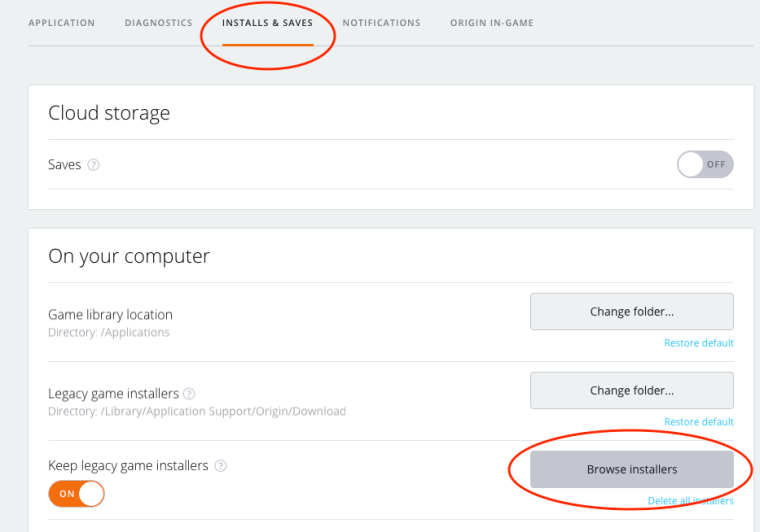
  3. Now click on Installs & Saves then Browse Game Installersorigin-downloads
  4. In the Finder window that opens, open the folder with the most recent date modified then double click on the installer for the EP you have just downloaded. It will be a file type .dmg and may have the EP title and/or number in it.
  5. The installer will open and ask for your product code. If you have this from a disc copy that you had of the game just enter it and go through the installation procedure. If you do not have it then you will need to contact EA Customer Support who can verify your account and give you your product code to enter.
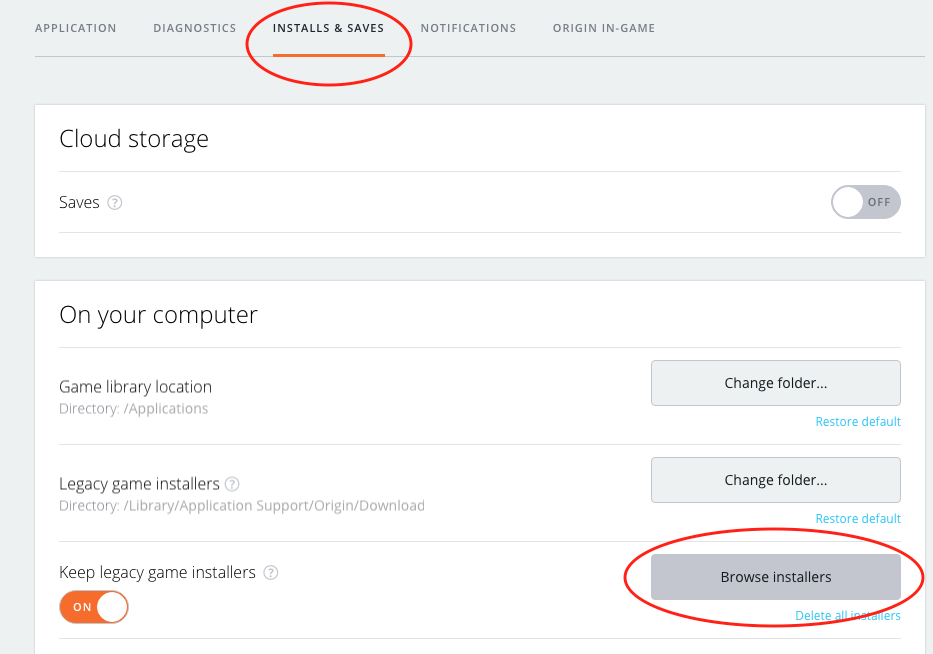
They’ve also added the link to my AHQ solution in Origin, for anyone who’s missed it:
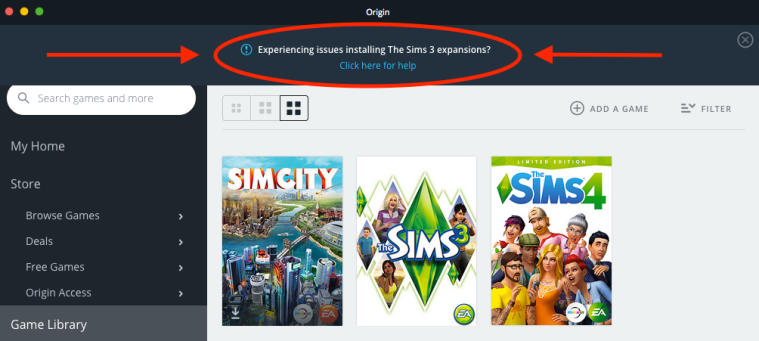
origin-sims-3-downloads

Creating Sims 4 CC on a Mac – Sims 4 Studio now available

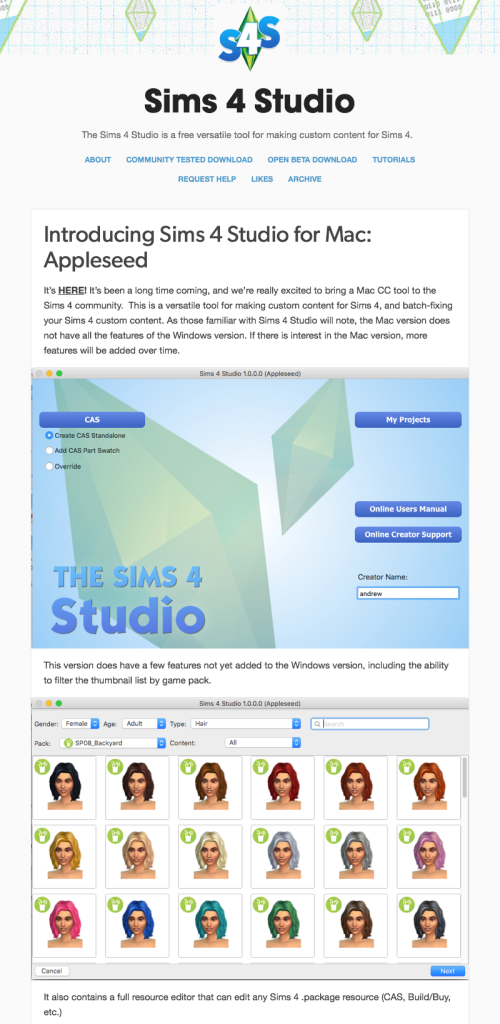
For all you Sims 4 CC creators out there who use a Mac, no need to run Windows in Boot Camp or a VM anymore, Sims 4 Studio is now available for OS X El Capitan. It is still in beta and doesn’t have the full functionality of the Windows version yet (so maybe don’t get rid of that Windows installation just yet) but it’s still what you’ve all been crying out for for so long. Hopefully more features will be added in the future to bring it up to the same level as the Windows version. There are apparently some new features not yet added to the Windows version though, which is pretty cool.

Sims 4 Studio — Introducing Sims 4 Studio for Mac-Appleseed (20160829)

I’m not a CC creator so have no experience of using any CC tools but I’ve seen enough posts from Mac users wanting to be able to work in OS X rather than Windows.

You can find all the information and links over on their tumblr here – http://sims4studioofficial.tumblr.com/post/149009729571/introducing-sims-4-studio-for-mac-appleseed

EA’s Origin uninstaller instructions for Mac are incomplete

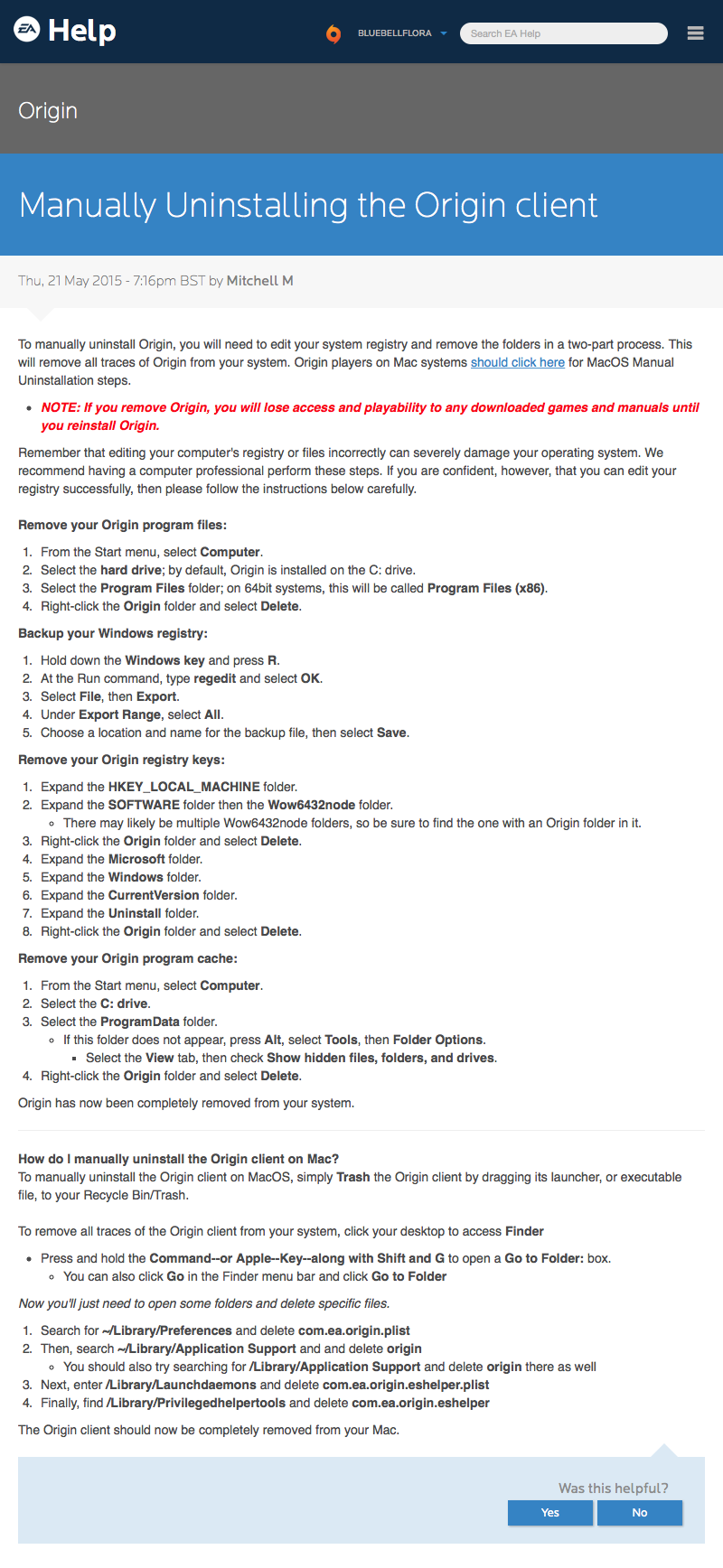
If you’re wanting to uninstall Origin from your Mac you need to poke around in your Mac’s hidden Library folder to completely remove any trace of it. EA have produced a help page to guide you through how and where to find the relevant files to delete, unfortunately their instructions are incomplete and you will still be left with a load of files which could interfere with a successfull Origin reinstall, specifically the cache files:

EA Origin Uninstall

My clear instructions on where to find the files to delete, can be found here. Remember, it is advisable to turn off automatic updates in Origin, as well as The Sims 4 automatic updates.