I made my first CC item!

After a lot of blood, sweat and tears I finally managed to make my own mesh! It’s only a painting so nothing too complicated but it took several tries and I’m feeling immensely proud of myself.
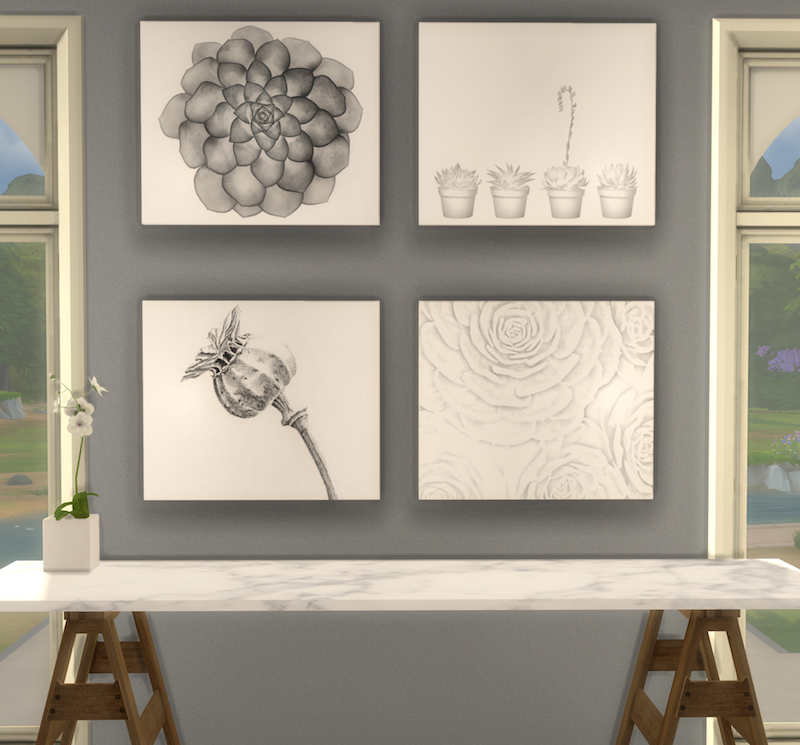
I used the Windows version of Sims4Studio running in Parallels on my Mac and had to buy a scroll wheel mouse. Don’t ever try using Blender with a trackpad, it just doesn’t work. I only chose four pictures for the textures but they look good in the default size and if you make them bigger.

I have to say a BIG thank you to Orangemittens over at Sims4Studio for the wonderful tutorials on cloning an EA mesh and to Kitkat Sims for the help on changing the bump and specular maps 💚.

-: Download (SimFileShare, no Adfly) :-

Enlarged pictures (using MOO and ] ):

I’ve tested them in both macOS and Windows and they look great. As it’s my first mesh I’m sure I’ve made some horrible mistakes but bear with me – I’m learning!
Sims 4 Tray Importer for Mac

ts4-site-button

Here’s a link to using the Sims 4 Tray Importer in macOS. Getting it to run seems a bit hit or miss but it appears that with a little perseverance some users are getting it to run in Sierra.

Sims 4 Tray Importer for Mac

The guide is really detailed and very easy to follow and the comments are very informative too – good luck!


Update January 2018

As of January 2018 the Mac version of Tray Importer is no longer compatible with the Sims 4:

S4TI for MAC is no longer available. The app no longer works with the latest update of the Sims 4 and the developer does not want to provide support on MAC (platform it does not have and which greatly complicates its development …)

Sorry folks, seems like it’s the end of the road for us Mac users. I’ll update this page if it is resurrected.


Update April 2018

Well, seems like it’s up and running again as of the 4th April 2018. Just follow the links above!

Sims 4 Green Plants Pictures, CC Recolours

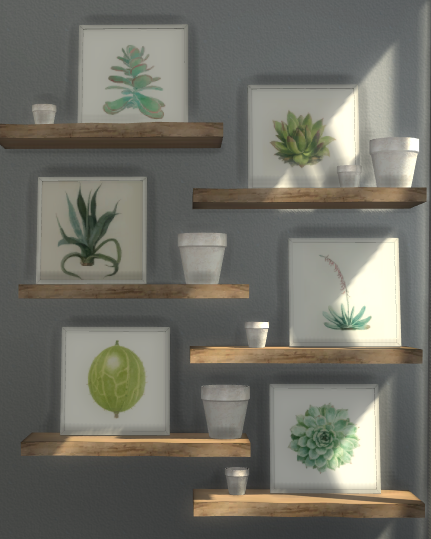
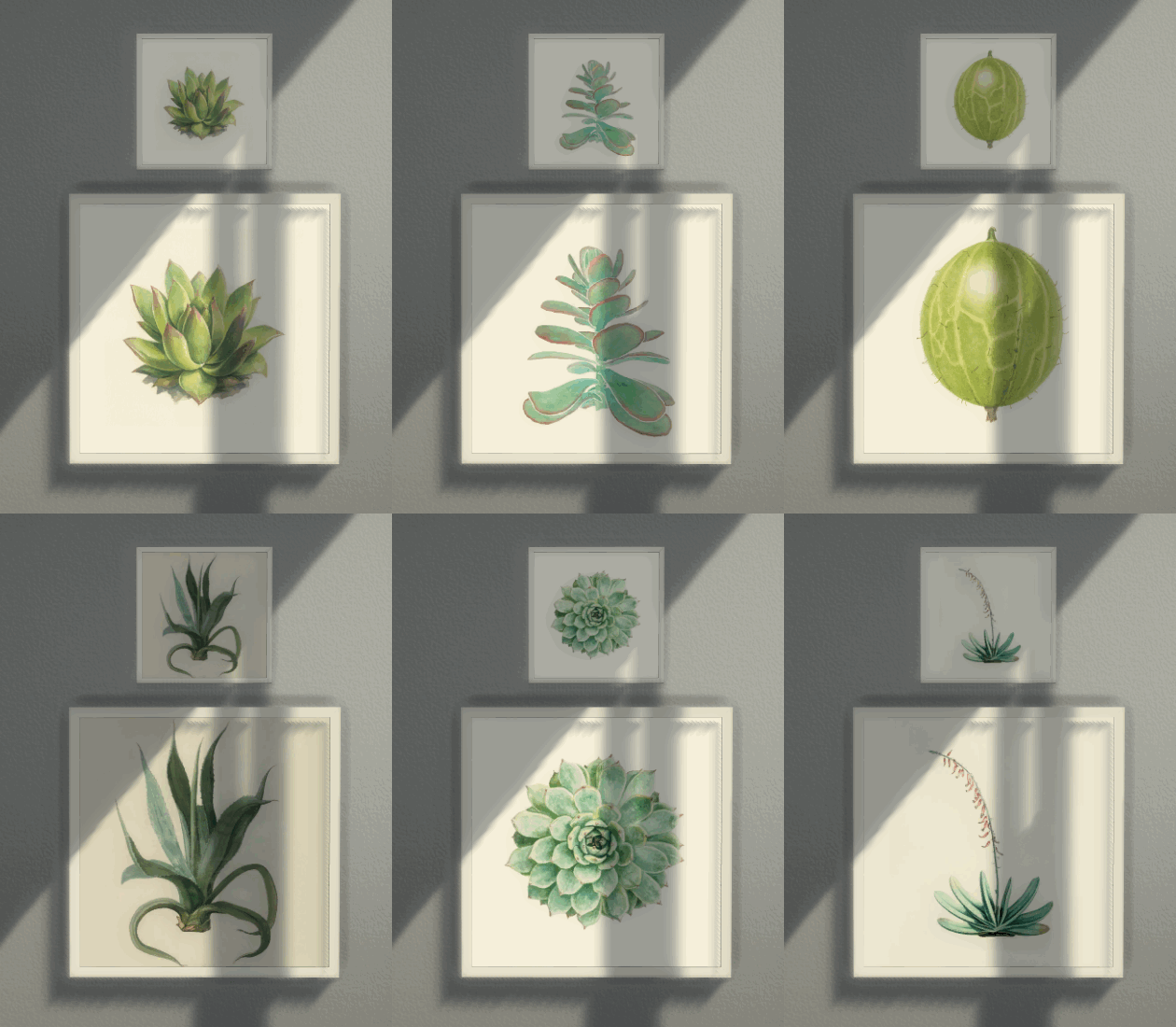
My love affair with succulents, both in the game and in real life, knows no bounds at the moment so it seemed only right to make some pictures for my game. I chose six gorgeous pictures and used MXIMS beautifully simple square pictures from the Escandinavia Part 2 set. The pictures are small (top picture) but they don’t lose any of their detail if you use the resize cheat to make them bigger (bottom picture)*:

Identical swatches in a leaning picture:

In game:

Download Links

You will need MXIMS’ Escandinavia Pt 2 pictures for these to show up in your game:

My Green Picture downloads (SimFileShare no Adfly):
Wall Pictures
Leaning Pictures

MXIMS’ original picture meshes (needed for my pictures to work in game):
Escandinavia Part 2 Set (Wall Square Picture and Leaning Square Picture)

*In build/buy mode hold down the Shift or CTRL key and press ] to make objects bigger. After pressing ] you may need to just move the object slightly to see the bigger size. Make sure you also enable bb.moveobjects on to better place the pictures.